Comments
|
search for whatever it is u want to add and copy the link of the blinkie <img src="PUT BLINKIE HERE"/>
|
|
|
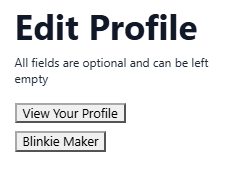
if u go to edit profile u should see blinkie maker under view profile ^_^ |

 Report
 when u write youll see at the top left this <> click it and put the code in