
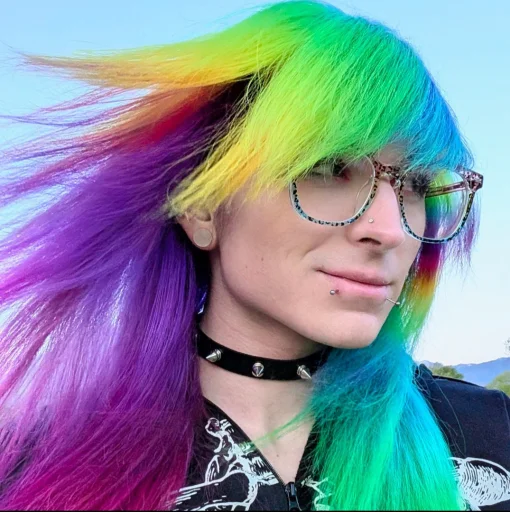


Hello friends!
I come to you today with a humble request: Please help me remove the purple glow from all of the images on my profile.
I have gone through the code and removed every line that says "purple" "pink" "glow" "shadow" or "lilac" and not only has it not removed the goddamn purple fucking glow from all my photos, but it didn't change anything at all. The thing I love about my photos is the pop of color from my hair, so I'm quite agitated that it's apparently impossible to make that visible.
ANY advice is greatly appreciated! I've been working on this and learning to code SPECIFICALLY to fix this problem all week but absolutely nothing I do will remove it and I feel like an idiot.
Thank youuuuuuu!
Comments
Displaying 4 of 4 comments ( View all | Add Comment )
bryyyc
find this in your code and remove it:
THANK YOU SO MUCH UGH OMGG <3
by itsmilograve; ; Report
Of course!! Glad I could help :)
by bryyyc; ; Report
PeyPeyPoser
I'm not amazing at code yet, I just edit what ppl already wrote and add stuff from w3schools LOL
But maybe its like a filter over top? Like a transparent layer of purple?