


this is a tutorial on how to use old youtube layouts while still beimg able to watch and interact with new videos!! this is mostly for firefox (and its forks ex. waterfox, librewolf) and chrome/chromium, i havent tested this on other browsers but it *might* work!!
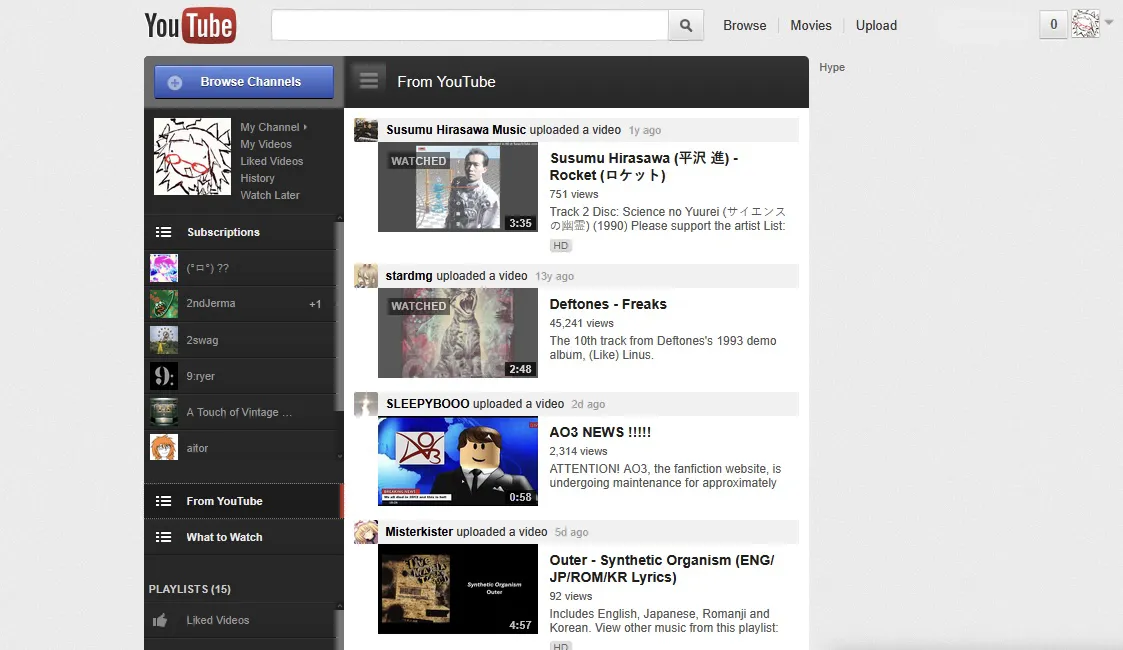
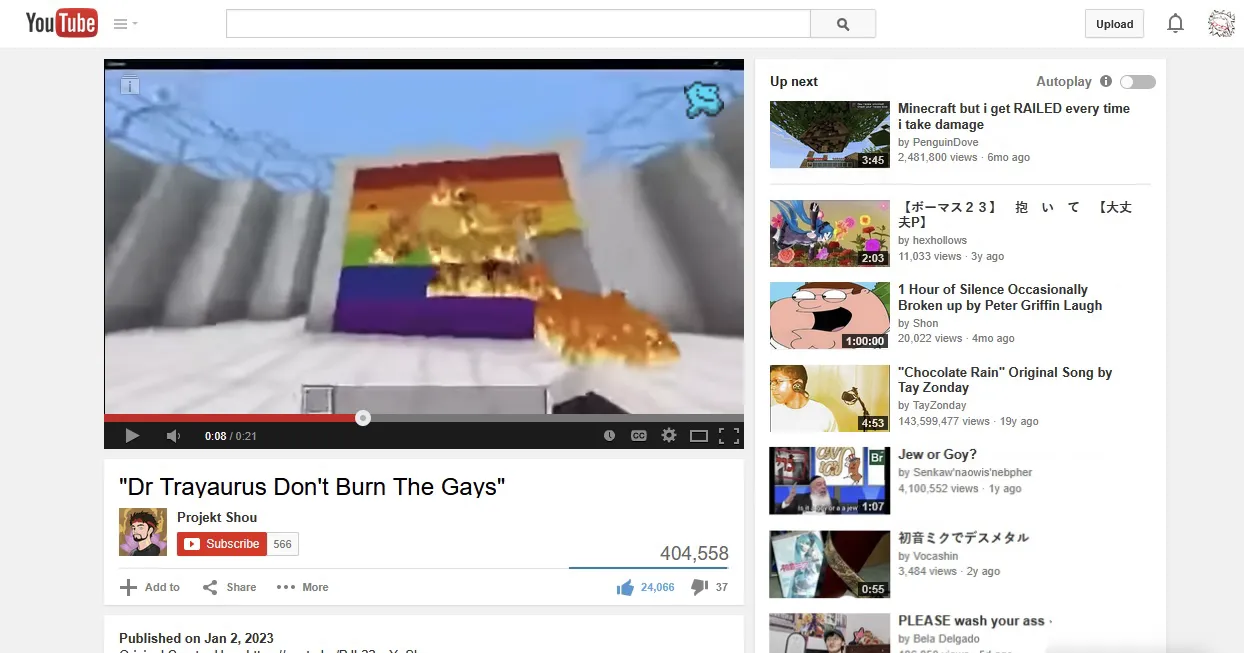
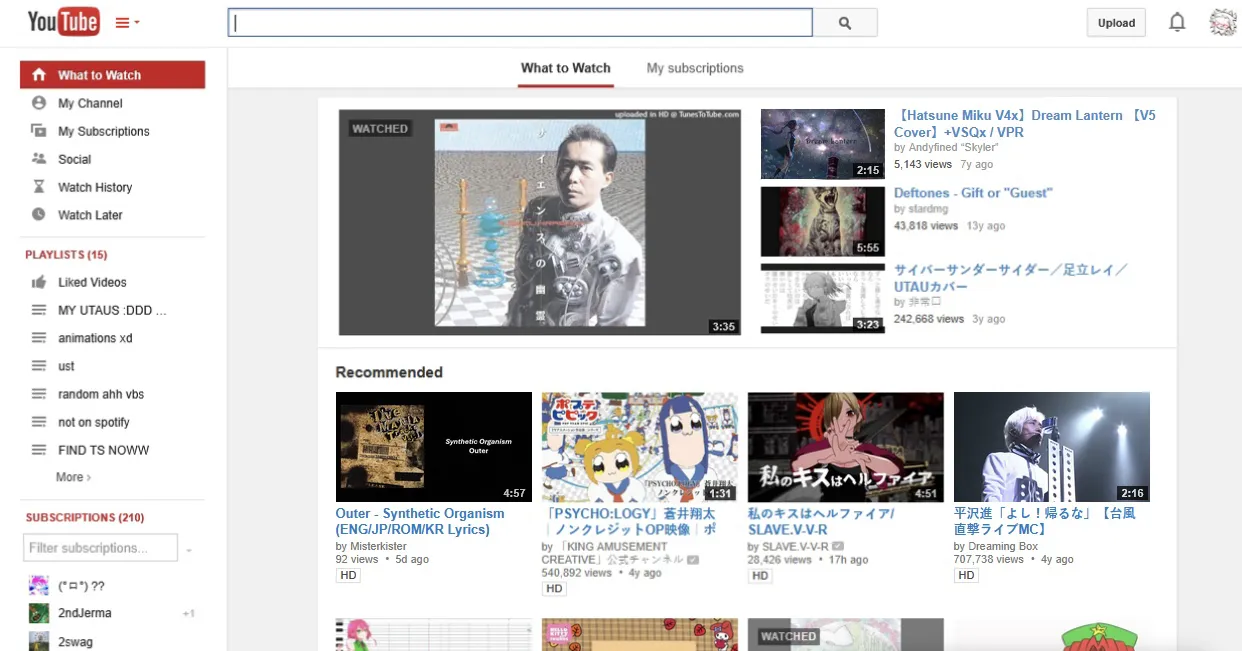
heres some examples (theres a lot more layouts than just these):
2008
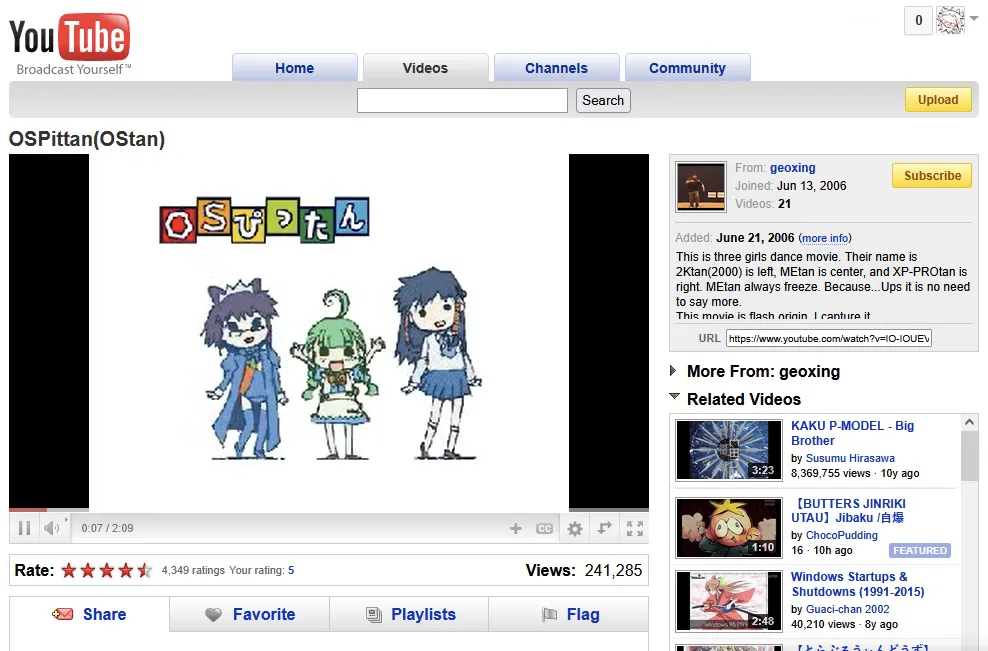
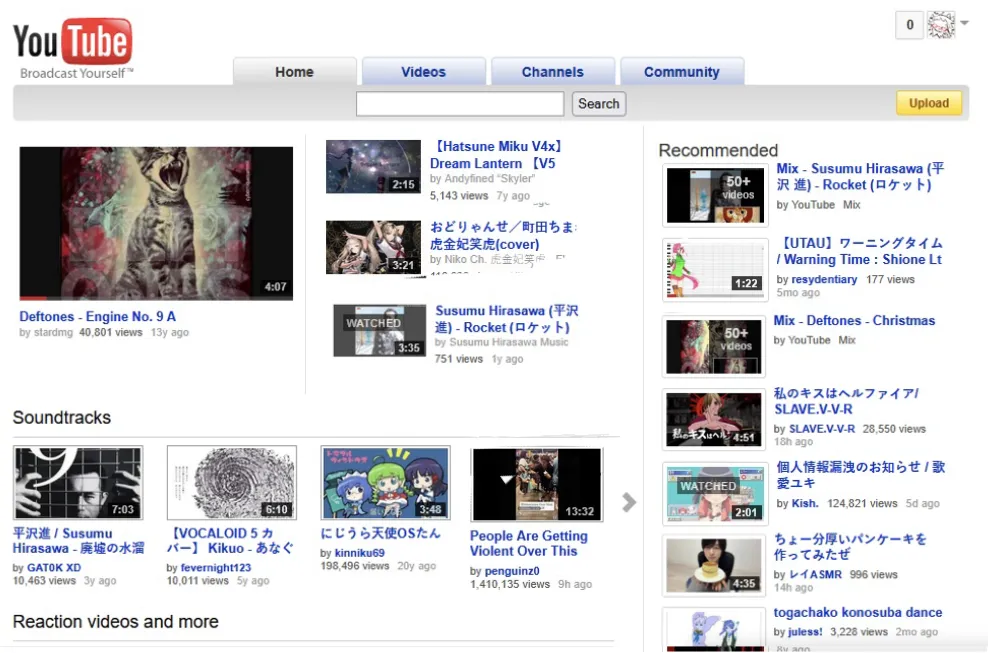
2011
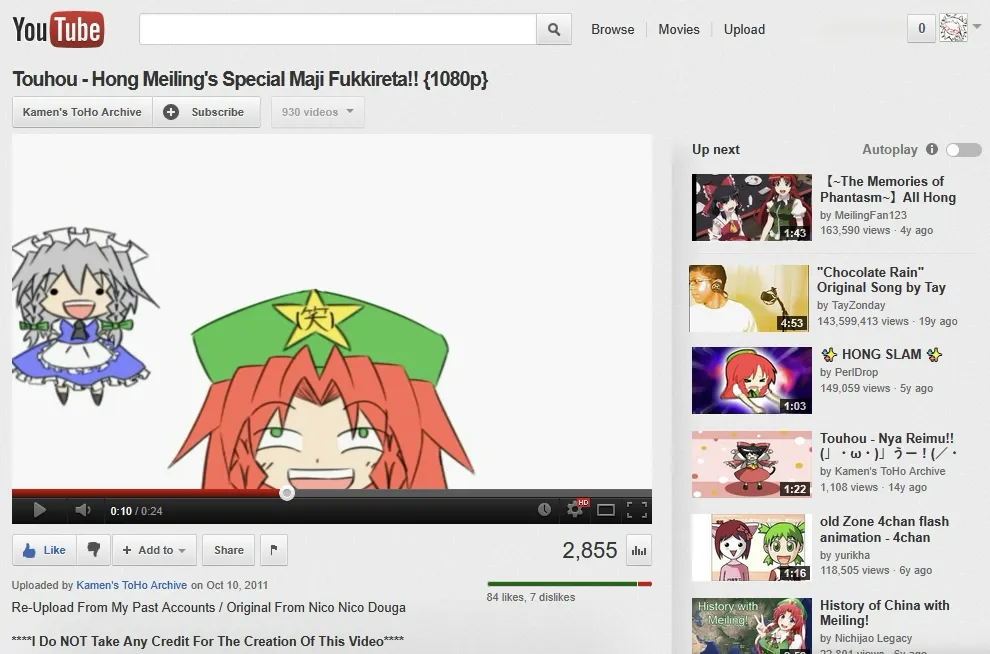
2015
STEP 1:
download vorapis v3 from the firefox store; or download the local extension for chrome from the official vorapis website ( https://vorapis.pages.dev/#/ )
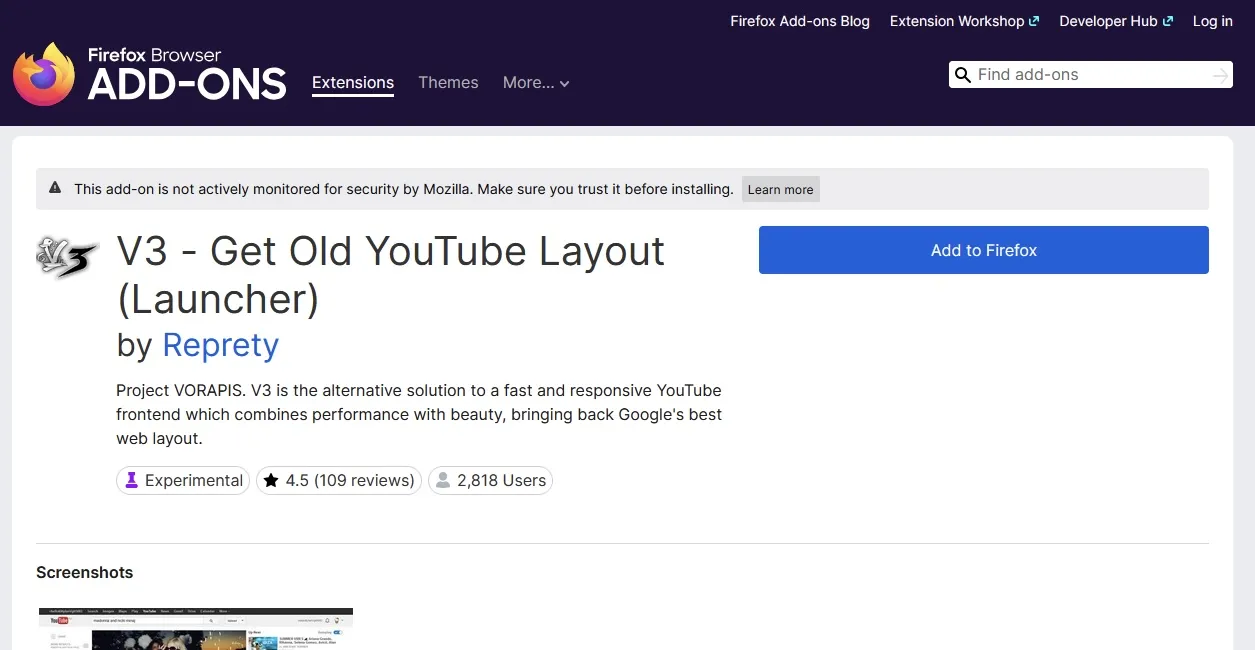
NOTE: you can stop here if you want! when you install this it just gives you the default 2013 layout. but if you want more layouts you need to follow the next steps
STEP 2:
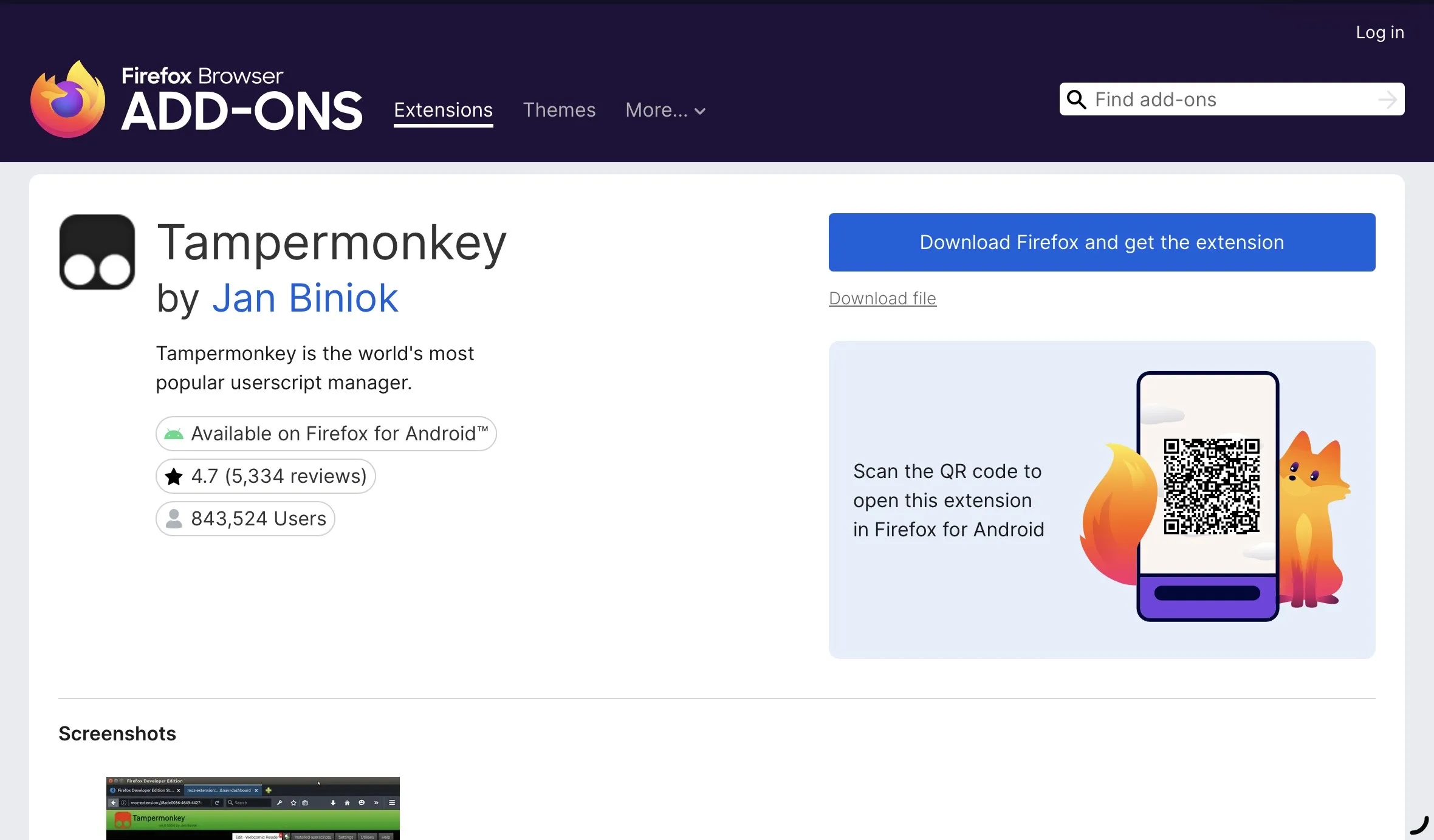
next you need to download tampermonkey! its available on both the firefox store and the chrome web store. you need this extension for the next step to work.
STEP 3:
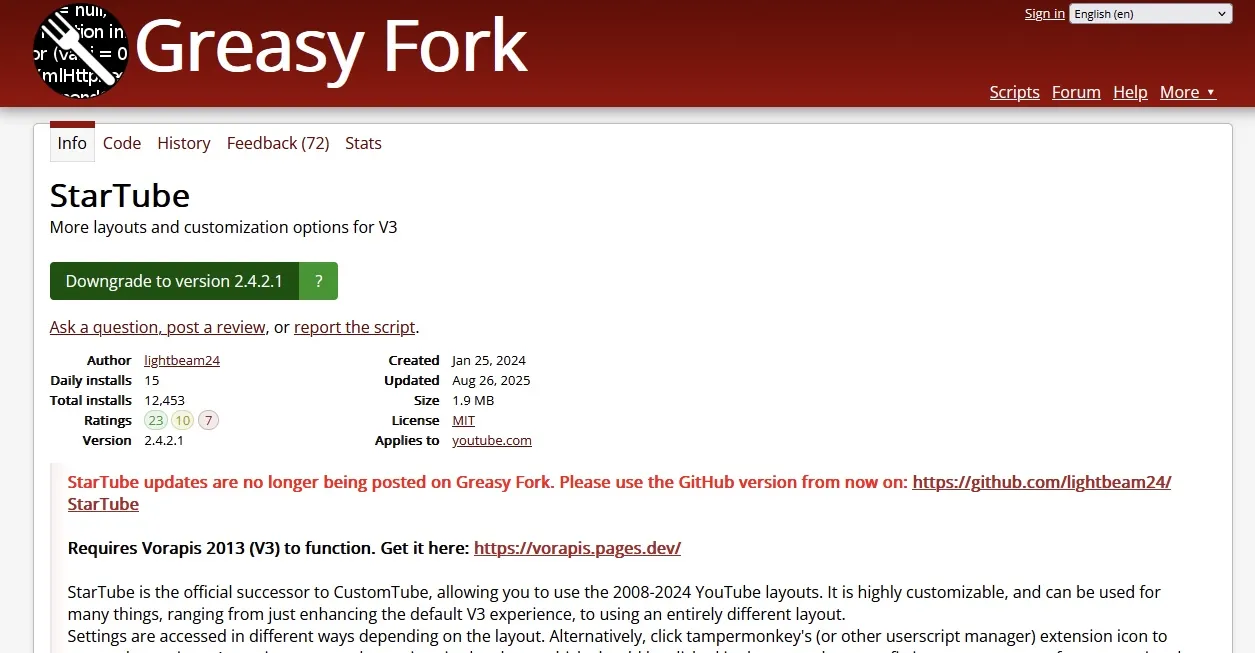
next you need to install startube from greasyfork ( https://greasyfork.org/en/scripts/485622-startube )
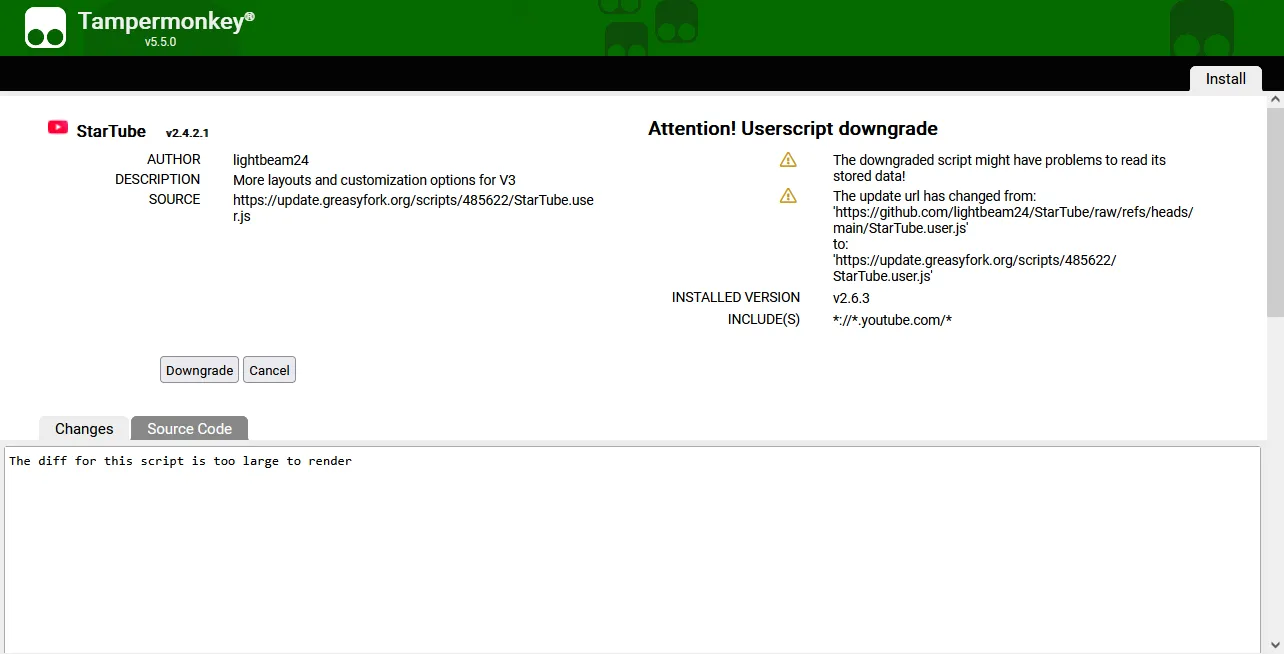
click on "install the script" in greasyfok (make sure tampermonkey is turned on first) then click on "install" in tampermonkey (mine says downgrade bc i already have it installed)
STEP 4:
reload youtube and it should be installed! i dont remember what layout it gives you by default (i think 2014?????) but heres how you change it:
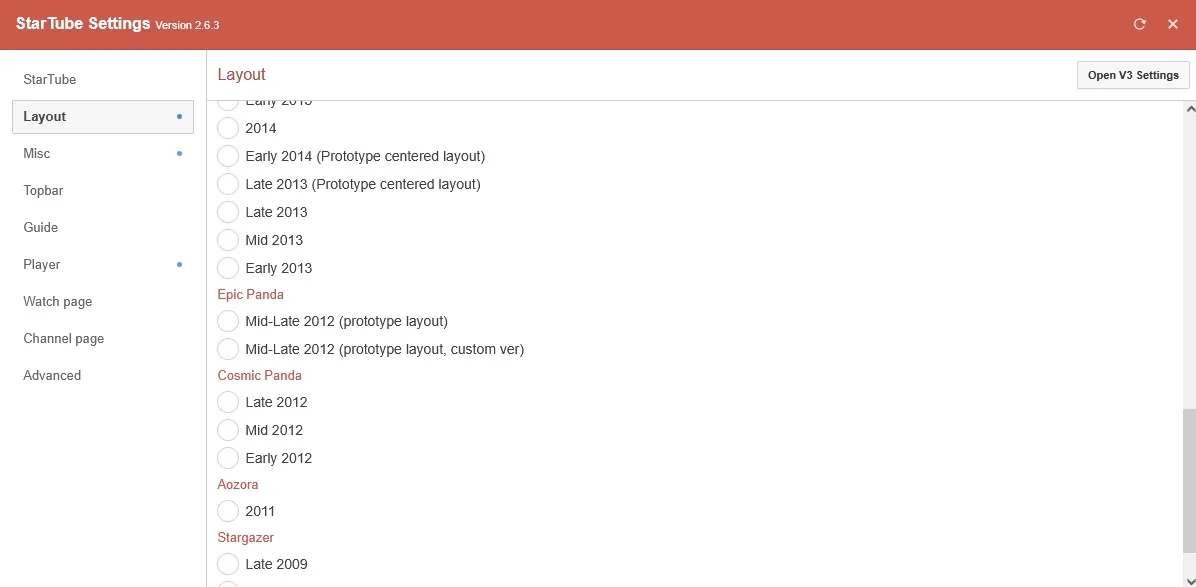
right click on youtube, then select tampermonkey, then startube, then startube settings
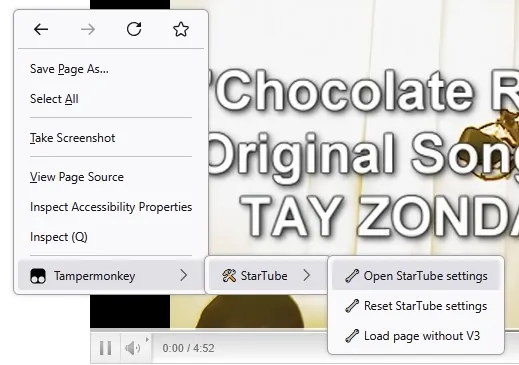
then select what layout you want from the list!! (i coudnt fit all of them on my screen xd)
theres also some other settings you can mess with but i usually just leave those be
STEP 5:
ENJOY!!!!!
if you ran into any issues theres probably a lot of other tutorials that can explain this a lot better than i can, but feel free to comment and ill try the help the best i can!
Comments
Displaying 0 of 0 comments ( View all | Add Comment )