



ive always had a thing for customizing my computers look to resemble an older OS. in 2023 when i first got my pc one of the first things i did was to change the look to windows 95 using windowblinds and retrobar
7/6/23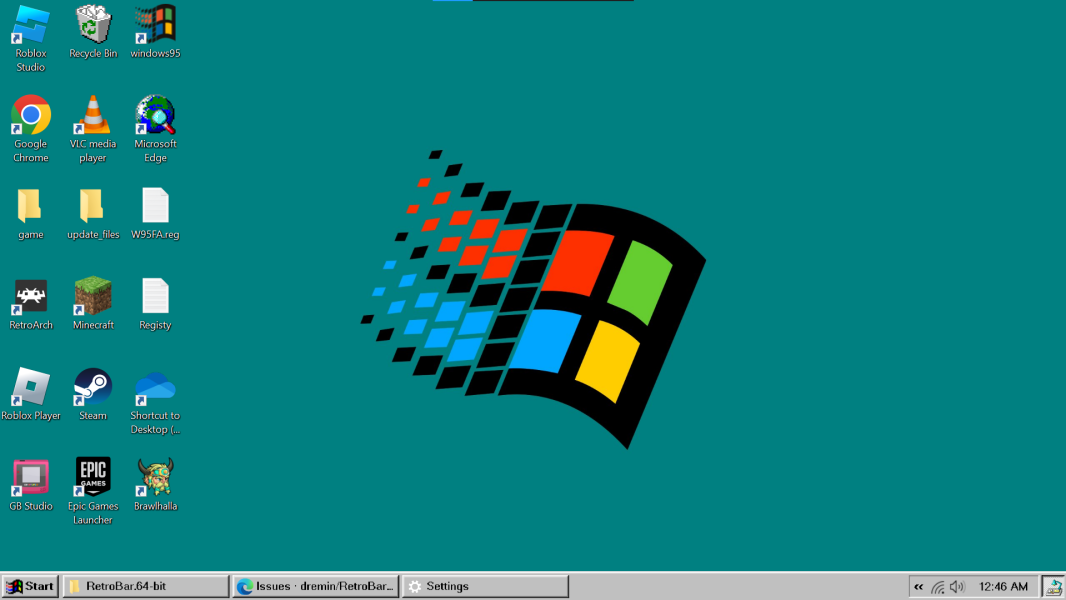
this is how my desktop looked for the most of 2023 but it was really ugly, the only thing themed was the desktop itself, windowblinds wasnt great, and everything was just inaccurate, i used windowblinds because it was safe and easy, if i ever wanted to remove the theme, i could do so with a press of a button
during november i planned on switching to a green christmas theme for the holidays, i made a whole custom windowblinds theme for it, but when i put it on for the first time, i thought it looked really ugly
11/14/23
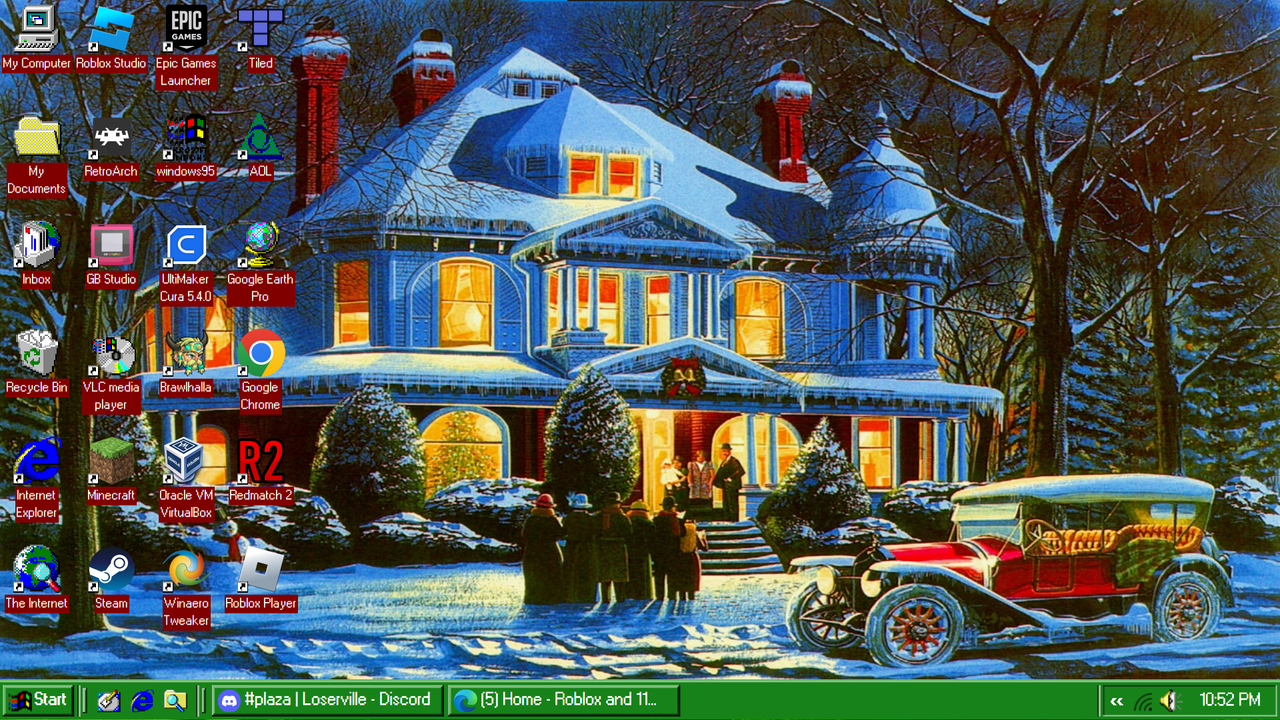 after seeing other peoples setup that looked better and more accurate than mines, i eventually made the switch off of windowblinds to classic theme(a built in style of windows that has the old ui from 95-2000)
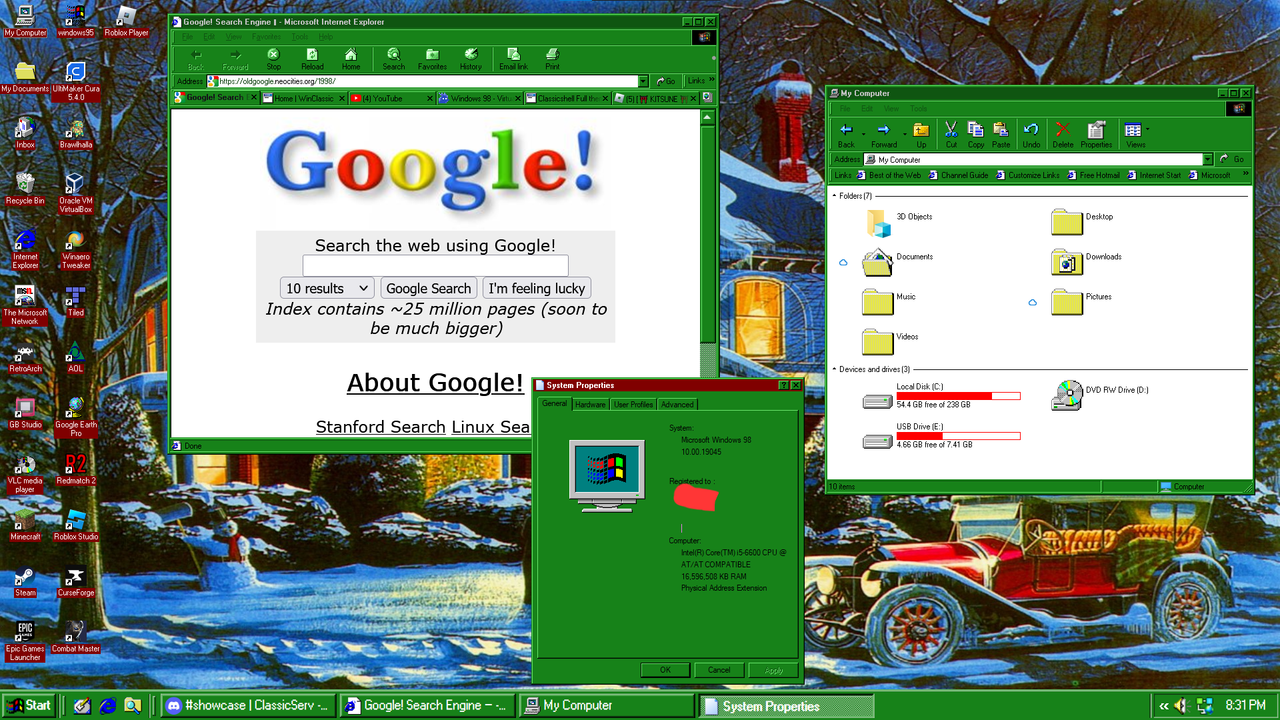 when i made this switch i also configured so my of my pc to fit this classic aesthetic, including my file explorer, web browser, downloading old software, and other stuff
after christmas was over, i switched back to the old gray colorscheme
2/18/24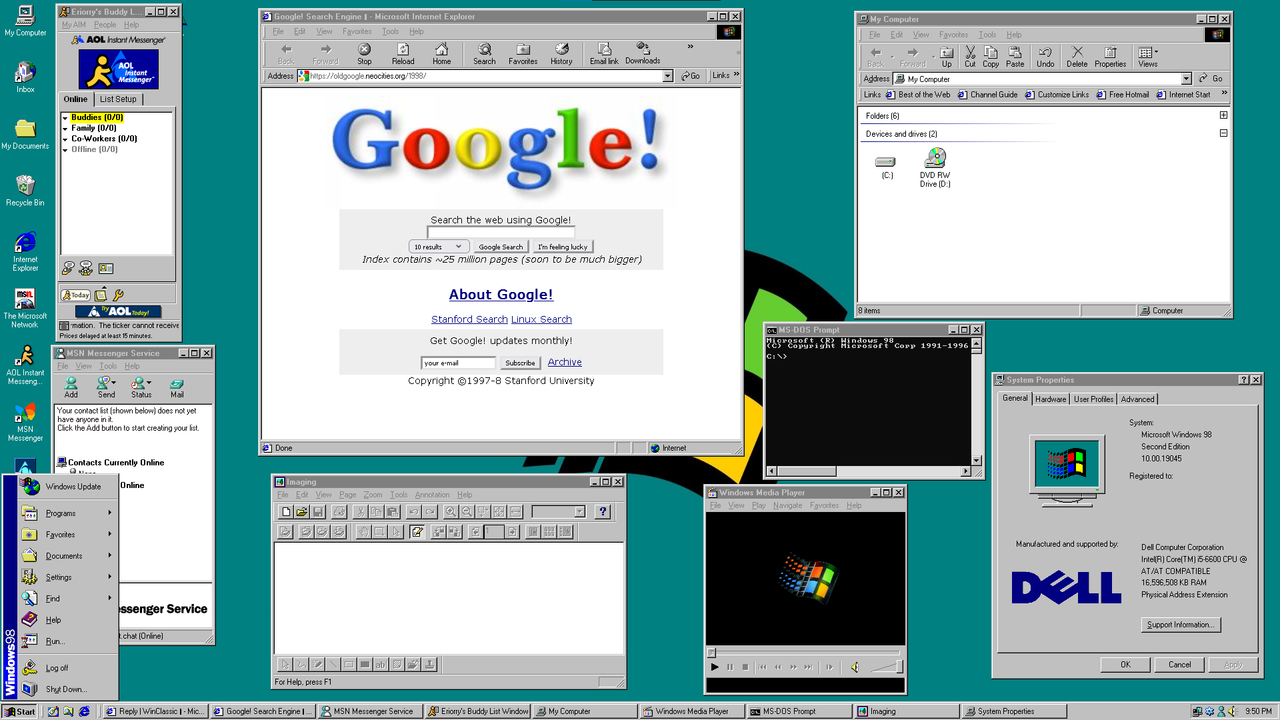 i got bored of the 95 theme and switched to a windows 98 style(barely different)
8/25/24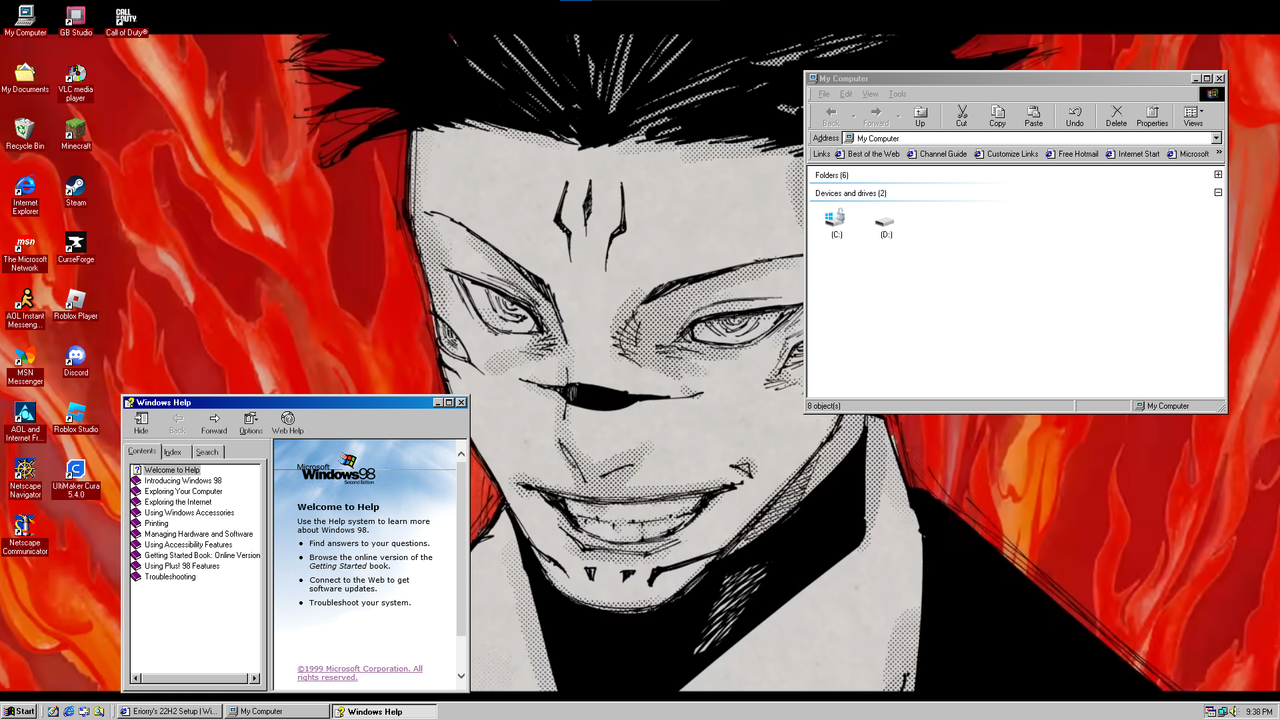 the icons were messed up for a minute
christmas comes around again
11/19/24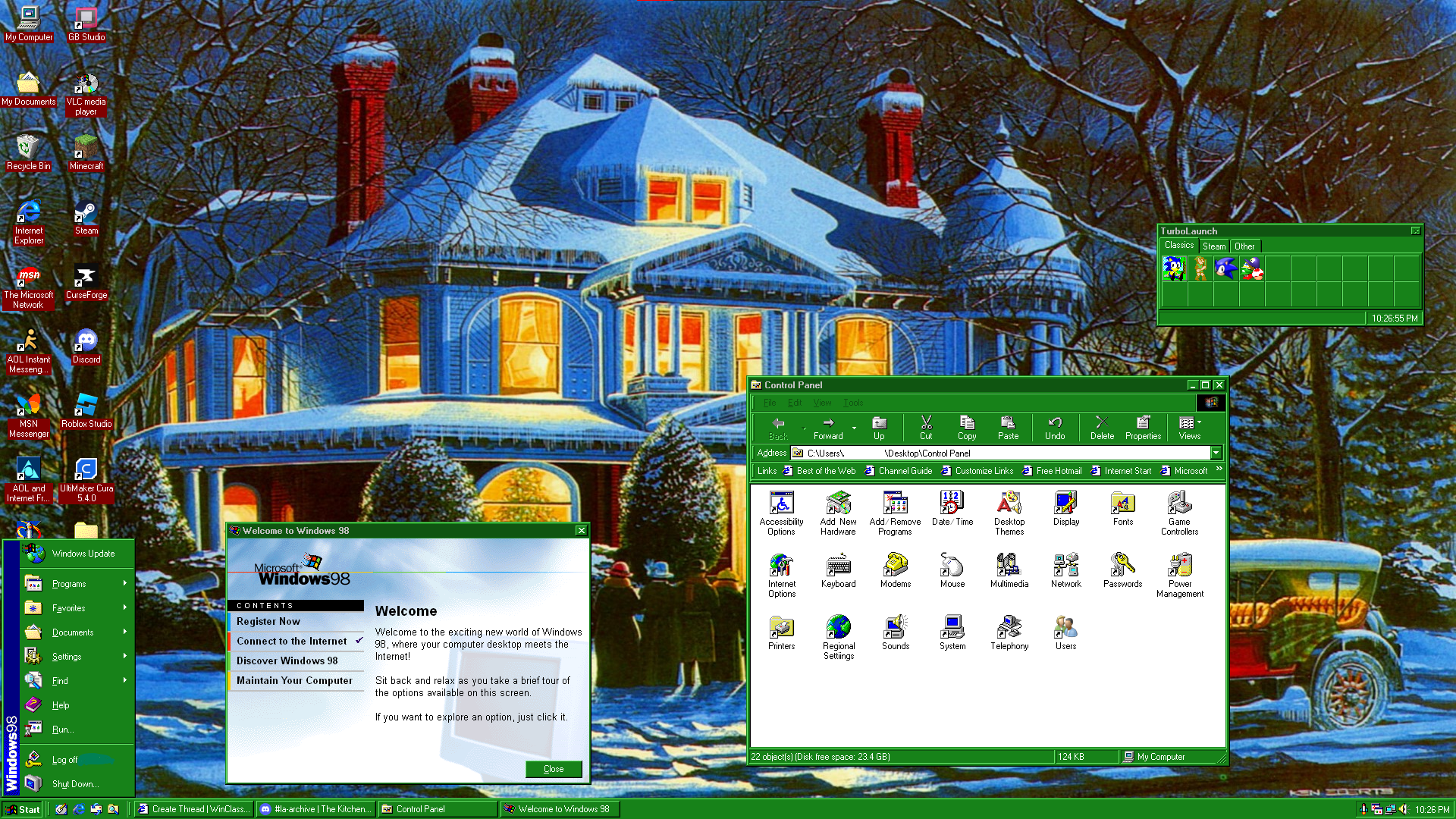
eventually landed on the kanye wallpaper which i used for a whole year
2/15/25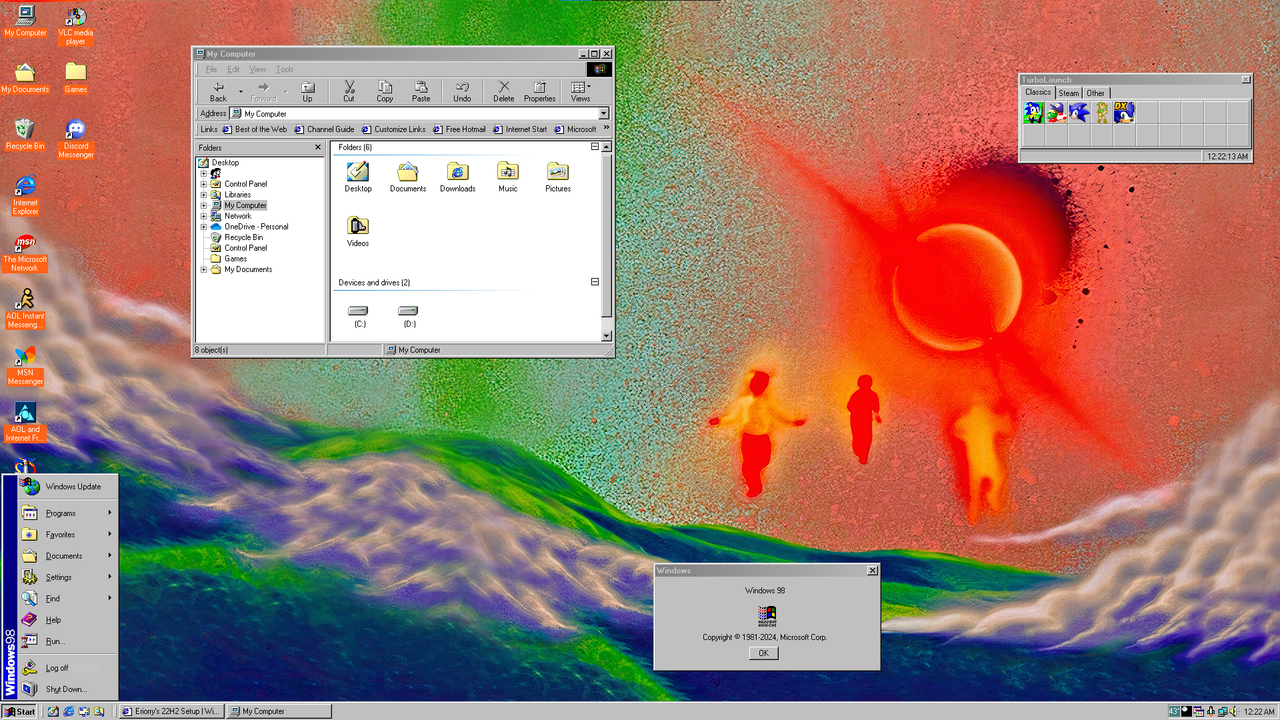 6/21/25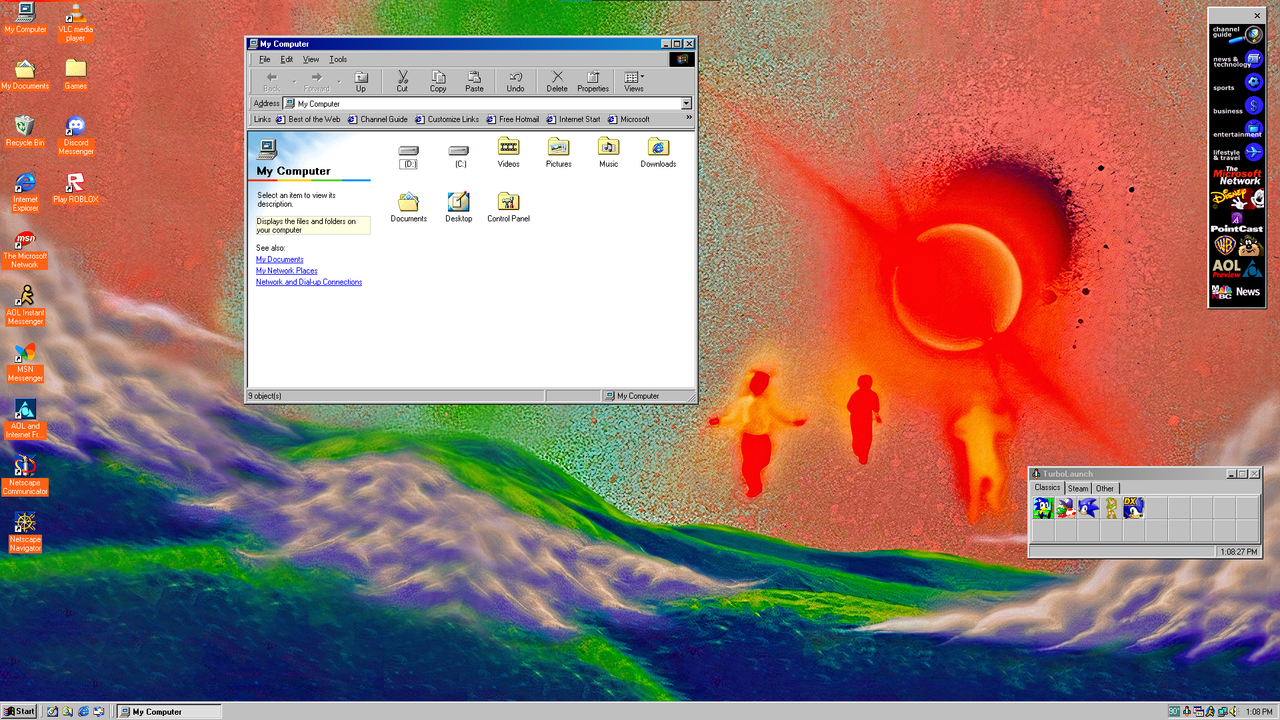
christmas rolls around again, started using a square resolution for screenshots
11/15/25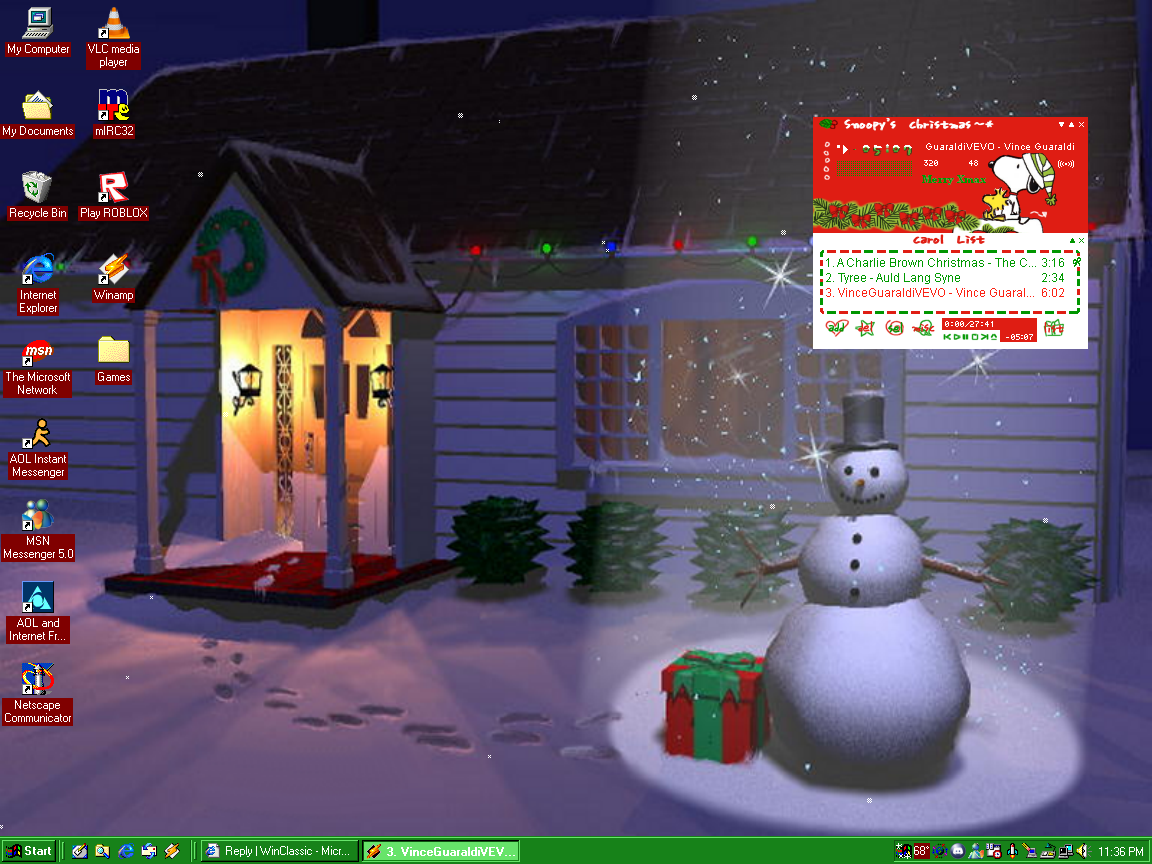
last ss with classic theme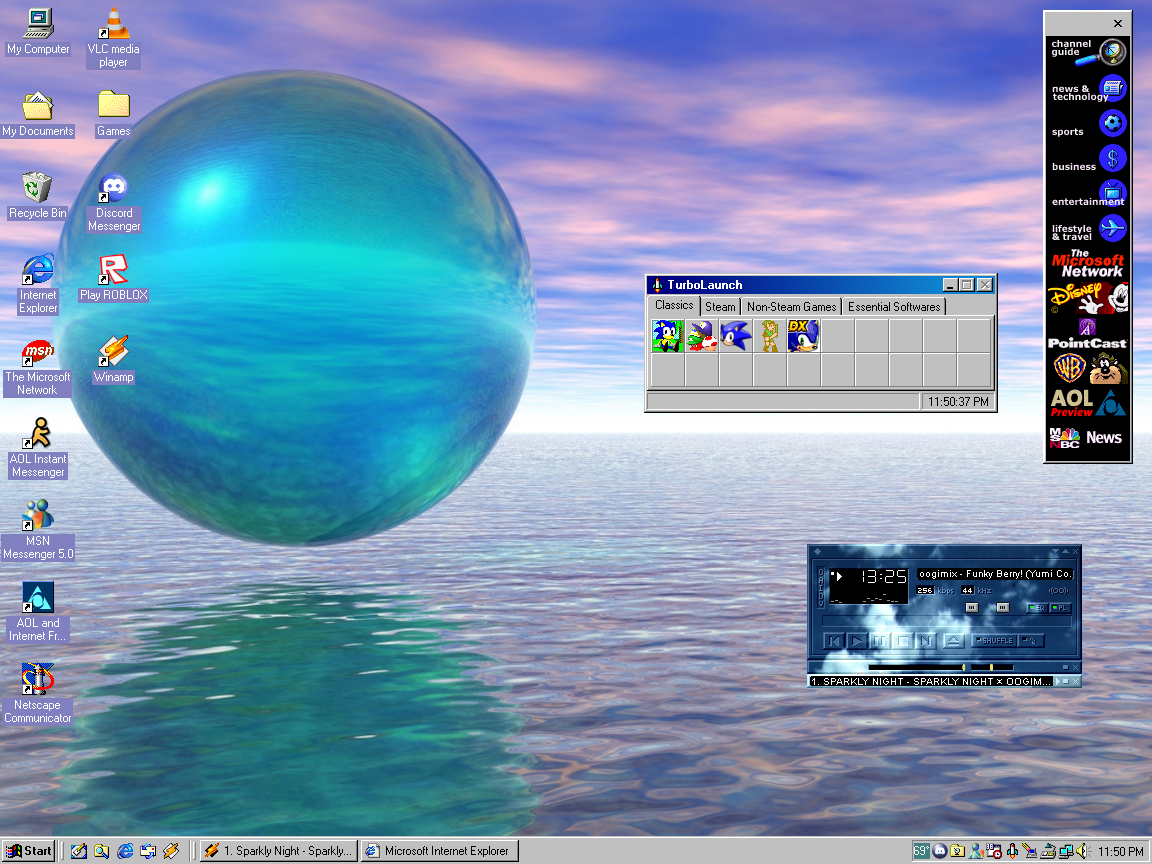
after 3 years, i got bored of classic theme and moved up a version to xp
2/1/26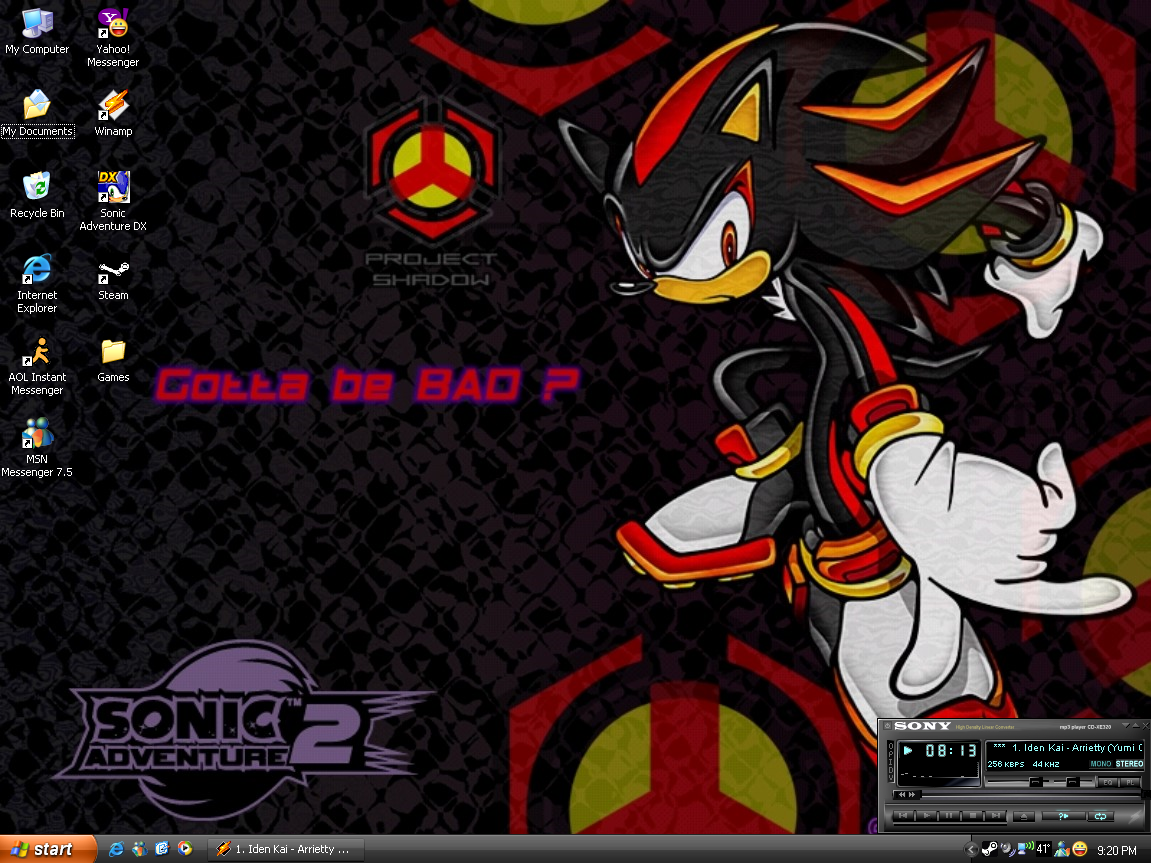
3/13/26
3/22/26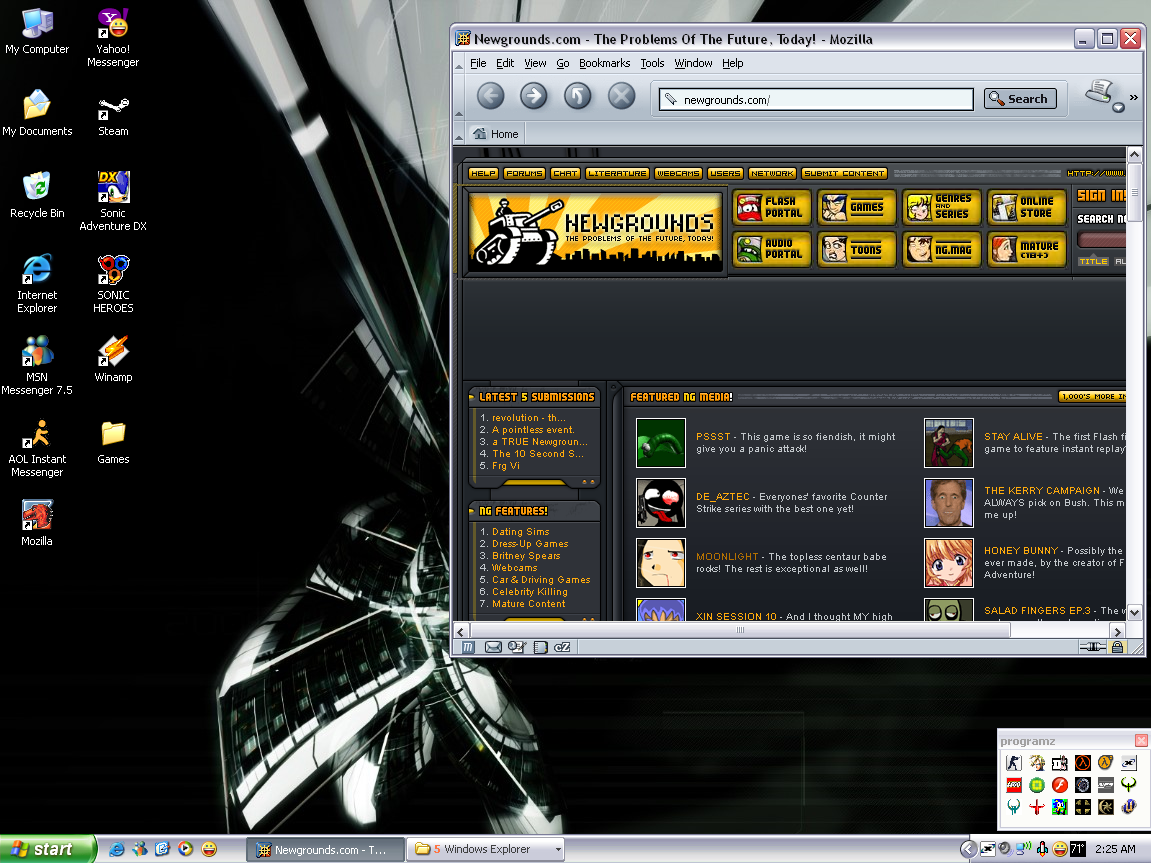
and as of writing this, this it was my desktop looks like now
Comments
Displaying 0 of 0 comments ( View all | Add Comment )