

what if i told you that there is a very easy way to learn how to create your own profile layouts from scratch? it's a feature that is built into mostly any modern desktop browser you can think of and that feature is inspect mode
to access it, simply go to any given webpage (im using google here) and press f12 (or right click anywhere on the page, selecting inspect) - this brings up a panel similar to what you can see here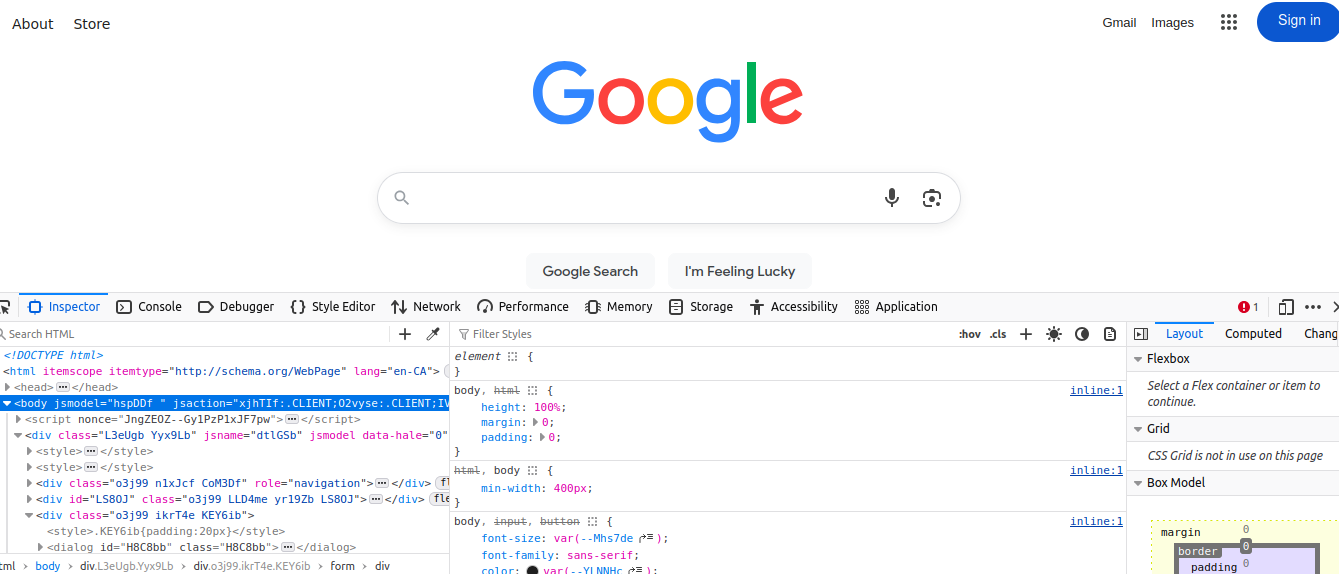
this new panel is split into three sections
- the html structure (left hand panel)
- css settings (center panel)
- in-depth view (right hand panel)
all we're concerning ourselves with here are the first two panes, for html structure and css respectively. now in my example above, we can see the google page right? all plain white and boring af. let's add some shrek to that thing 
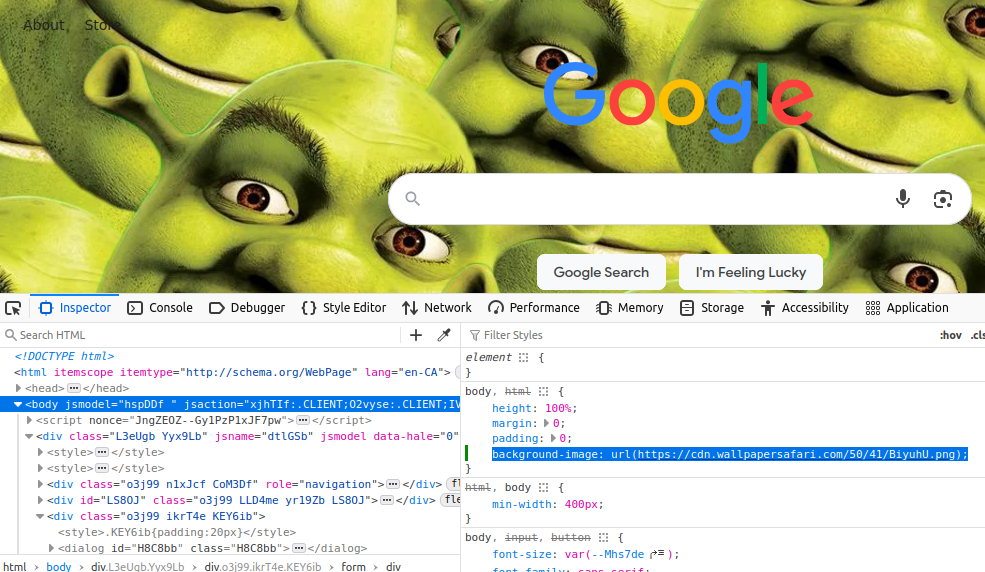
much better i'm sure you'll agree
(psst google...hire me okay mwahhhh xoxo)
so anyway, if you then refresh the page, you'll notice that all your shrek related alterations are gone. this is because inspect mode is best used to locally tweak and pinpoint coding issues.
now you can literally do the same thing here to alter css on your friendrewind pages. for this, i need a guinea pig and i'm choosing defect as mine
(sorry bro you pulled the short straw)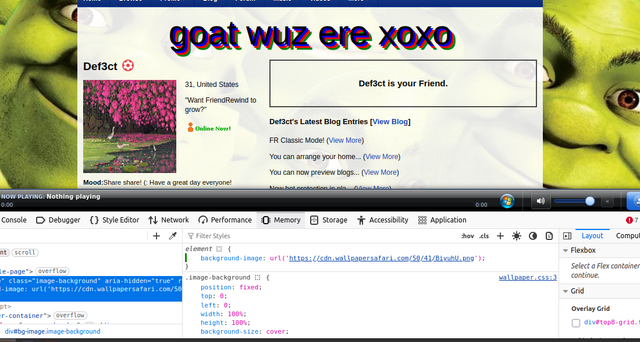
same as with the google shrekification, using inspect mode only affects what you can see locally in your browser - it doesn't change your profile layout itself.
however, it is such an invaluable tool for helping you learn how css works, and you can always copy over stuff to your profile if you make a change you like :3
feel free to use this knowledge to play around with your profile while using inspect mode and also, here are a few more links you might like to explore
https://friendrewind.com/layouts/help-custom-code.php
https://www.w3schools.com/css/
and finally:
https://friendrewind.com/forum/topic.php?id=2909
(ps pls sticky this thread defect xoxo)
okay ty for read ily 5ever 


the joy of inspect mode
Kudos:
26
Log in to give kudos to this post
Comments
Displaying 1 of 1 comments ( View all | Add Comment )
Kayla⟡
This is a great tutorial, very detailed and easy to follow!!