
is there a way to mass move all of my photos frm the profile photo album -> to a different album? or move them one by one even? i can't seem to find any way to do it LOLLL unless im crazy blind




Okay so by default ur pics go in "profile photos" (you can rename it) which is like ur main album and the one that will appear in your profile's photo section preview and then there is the option to move the photos elsewhere right here when you click on one of the images:
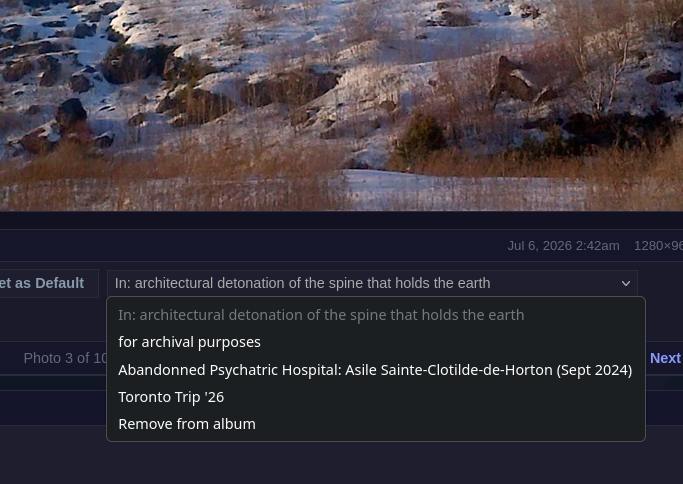
That is if you've created an album. You do have to do them one by one and I recommend opening each individually because once you switch them to an album the like slideshow arrow will be in that album you switched it to not where you originally had the image. Also when you click the X on a photo on an album it just dumps them back into the profile photo album! Hope this made sense lmk if questions

You must be logged in to reply.