

The websites you need are: any website of your choosing (I'm doing dafonts), Catbox, and Fontsquirrel.
1.
Download your fonts; they'll usually be ttf (truetype)
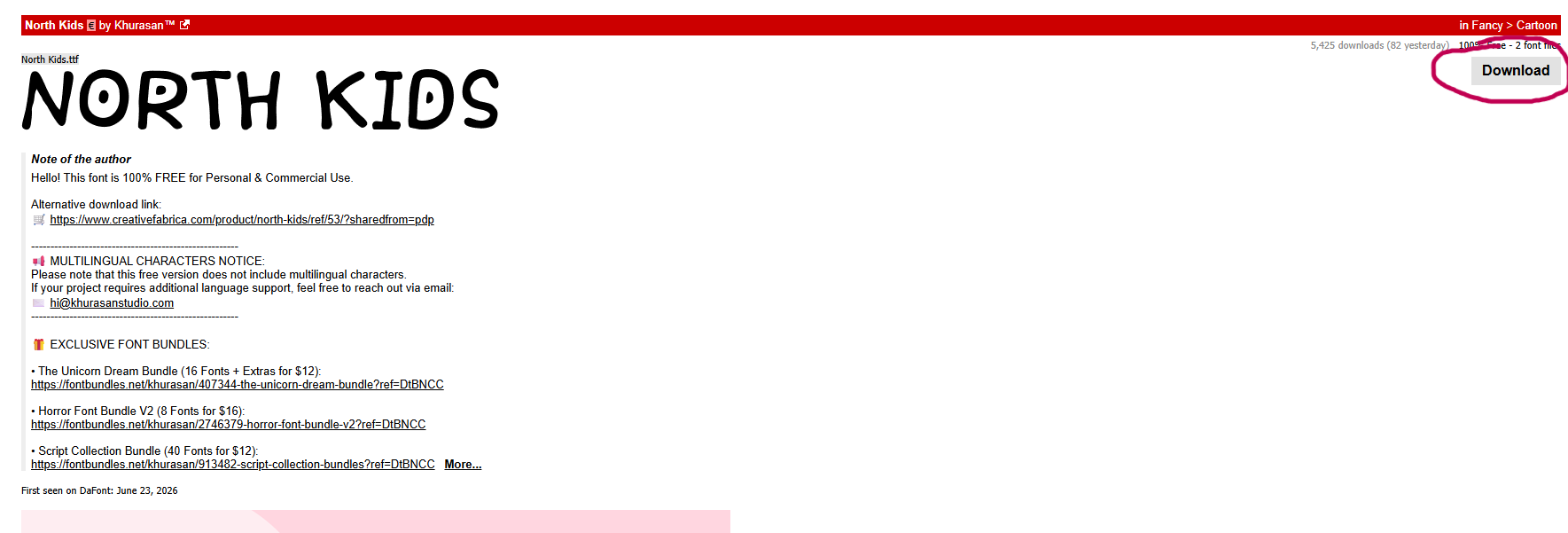
2
Due to WOFF and WOFF2 being more compatible with websites, you'll need to change the file in Font Squirrel.
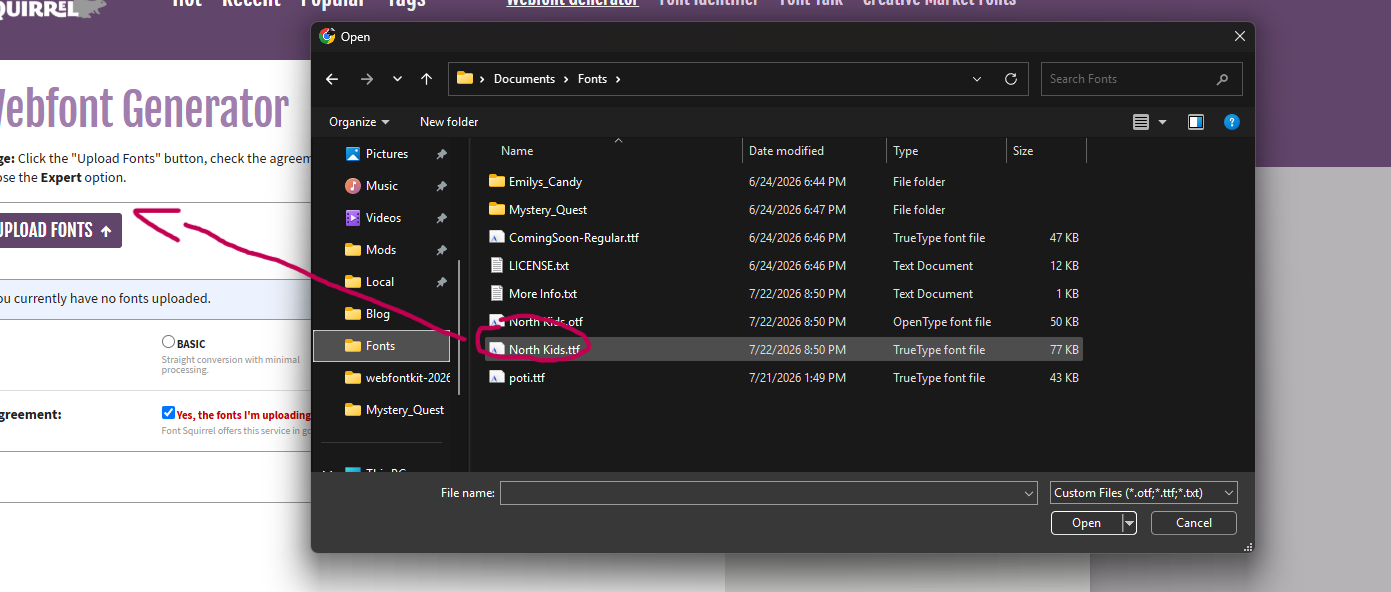 Go to the 'Webfont Generator' and upload your fonts; make sure to pick optimal.
3
Upload your WOFF and WOFF2 files to Catbox; this will be important later.
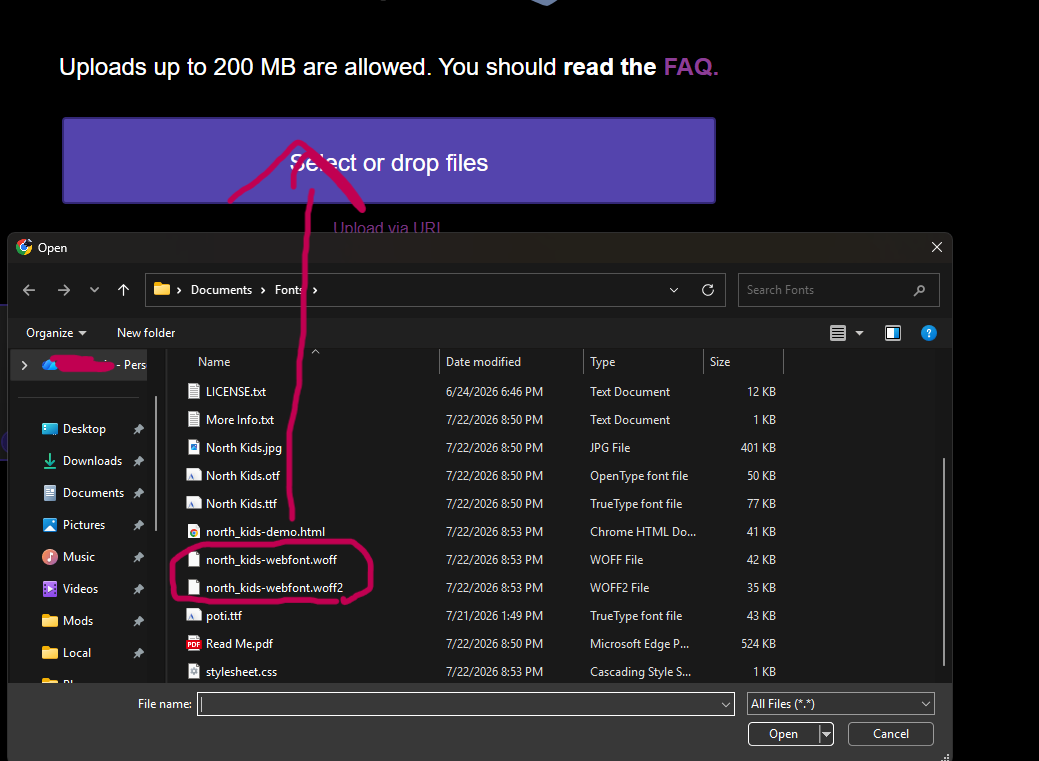
4
In your code, copy this:
"@font-face {
font-family: 'YOUR-FONT';
src: url('YOUR-FONT.woff2') format('woff2'),
url('YOUR FONT.woff') format('woff');
font-weight: normal;
font-style: normal;
}"
For the url you'll paste the CatBox link you uploaded.

(Fun fact: you can also get your code from here, after you downloaded the squirrel font file.)
5.
Finally, in your headings or body, put "font-family: 'YOUR FONT NAME' "
And that's all :))