
I tried many things and sometimes it'd seem to work in here
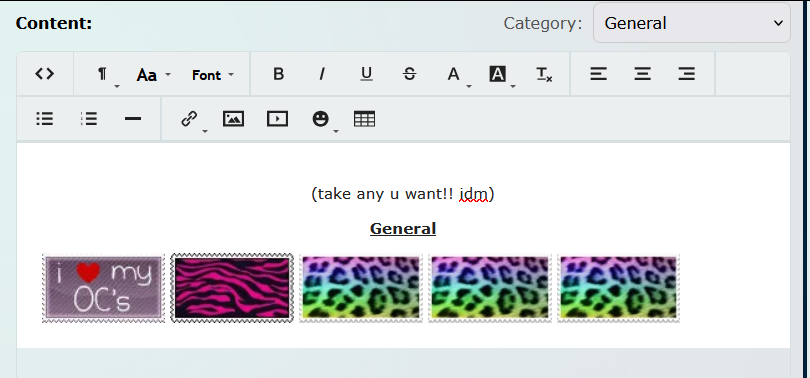
but not in the actual preview itself
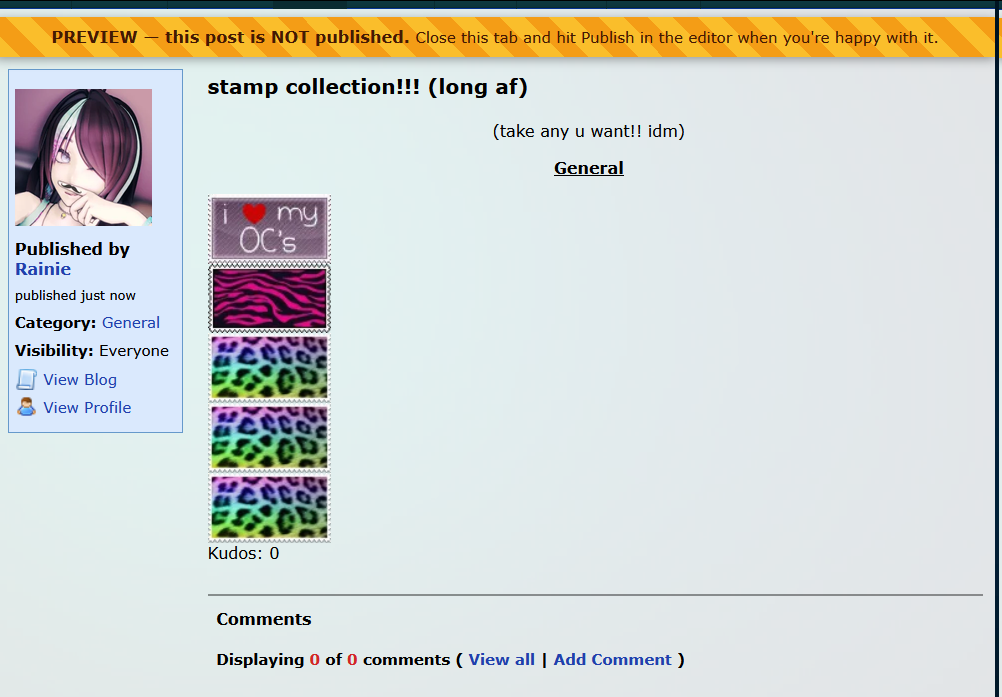
and preferably, i'd like the solution to be compatible with being in a scrollable box if possible

I tried many things and sometimes it'd seem to work in here
but not in the actual preview itself
and preferably, i'd like the solution to be compatible with being in a scrollable box if possible


whups, sorry for the deleted reply. anyway, i *think* if you were to add style="display: flex;" to a div tag wrapped around all your stamps, it make all the stamps occupy horizontal space as far as they can go, then wrap around to a new line. lmk if that doesn't do it for ya, though. :o
edit: ok i actually checked for maself and that.. doesnt work? what the hay. what other stuff have you tried perchance? i'm rly surprised flex display doesn't work in blogs, since it *does* work on profile code. maybe it's smth to do with the code i copypasted into a test blog, but most other code elements are working as intended, sooo maybe friendrewind has the display property blacklisted for non-profile stuff.
 Stay giggly!
@muffie I tried <div class="image-container">, <div class="image-wrapper">, <div class="image-row">, probably more. not even the scrollbox works??? it just cuts off and doesn't let me scroll. idk if there's anything i can do in css, i haven't tried it yet. idk what i'm doing with either though lol
@Rainie (disclaimer: i haven't coded for a while + i'm still new to how this site works) when it comes to css, unless the site you're coding on builds in classes to use, i don't think adding anything into the class="x" would do anything for your codes by default. for all the code i've made on spacehey, i had to create classes with css before then actually applying the class to html. if you know a bit about html, it's not too hard to also learn css. its also very helpful when it comes to keeping your code clean :]
Stay giggly!okoy, i mightve found a way for you to add them that works. (the fact no flex wrap is ANNOYING b/c its cleaner. but we do what we can here XD)
soo, instead of making a div tag that's wrapped around all the images, i added style="float: left;" to every image tag and that seemed to do the trick! i did have to specify my test image to be a specific height cuz it was rly big by default, but since ur uploading stamps that're already small they shouldn't need anything like that.
hopefully this works for u!! if not i'll see if i can find anything else that might do it for ya.
Stay giggly!@muffie i had to do some tweaking but this worked :3 i think adding the scrollbox is kinda out of the question but it's not a huge deal to me lol
thank u sm!!!
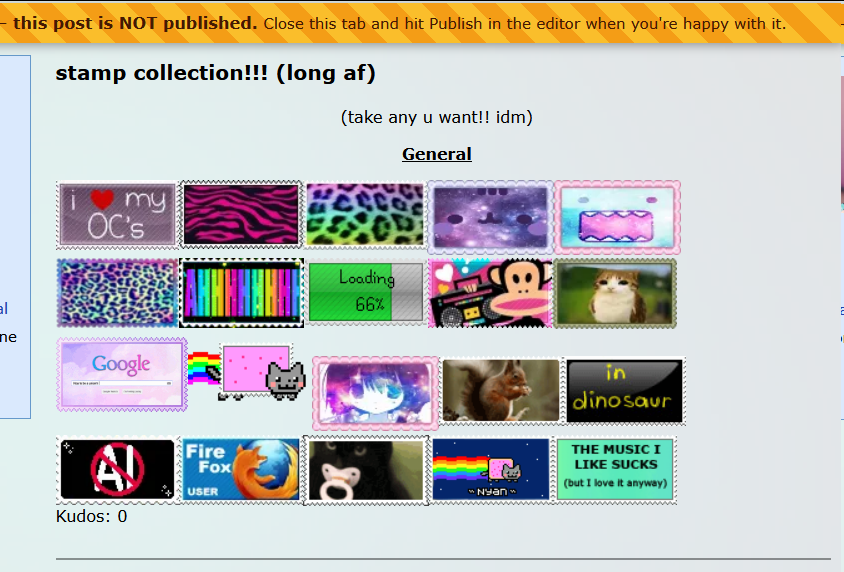
@Rainie yaay!! :D glad to see it worked for you too~ it sucks that the scrollbox doesn't work... unfortunately it seems like the overflow property is also blacklisted and refuses to work. i just tried adding a scrollbox to my test blog and it got stuck in an infinite loop of "publish update --> no scrollbox --> edit blog --> 'you have unsaved draft data!' --> restore data" which is very weird. but at least the stamps can be a lil more organized than a single-file vertical line ^^;
Stay giggly!@muffie omg ty for this i was trying to figure out the same thing

@DIZMAL glad to hear it!! ^w^
Stay giggly!You must be logged in to reply.