
Home» Forum» Web & Tech» How to make button.. a button?

How to make button.. a button?

Back to Web & Tech

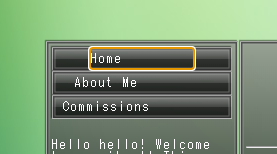
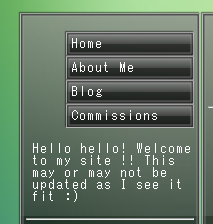
heres's my button and its i guess "hitbox"   adding more padding to the link makes the whole button wider not just the clickable space.. im super new to html & css so if anyone can help id really appreciate it!
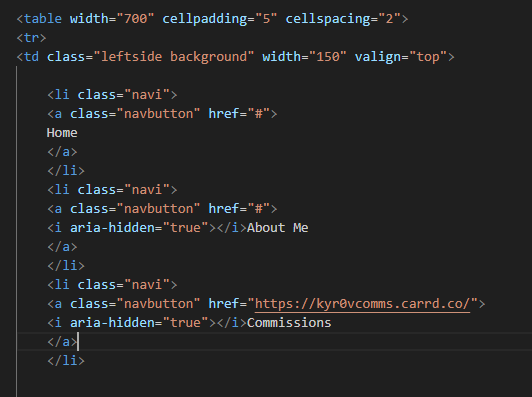
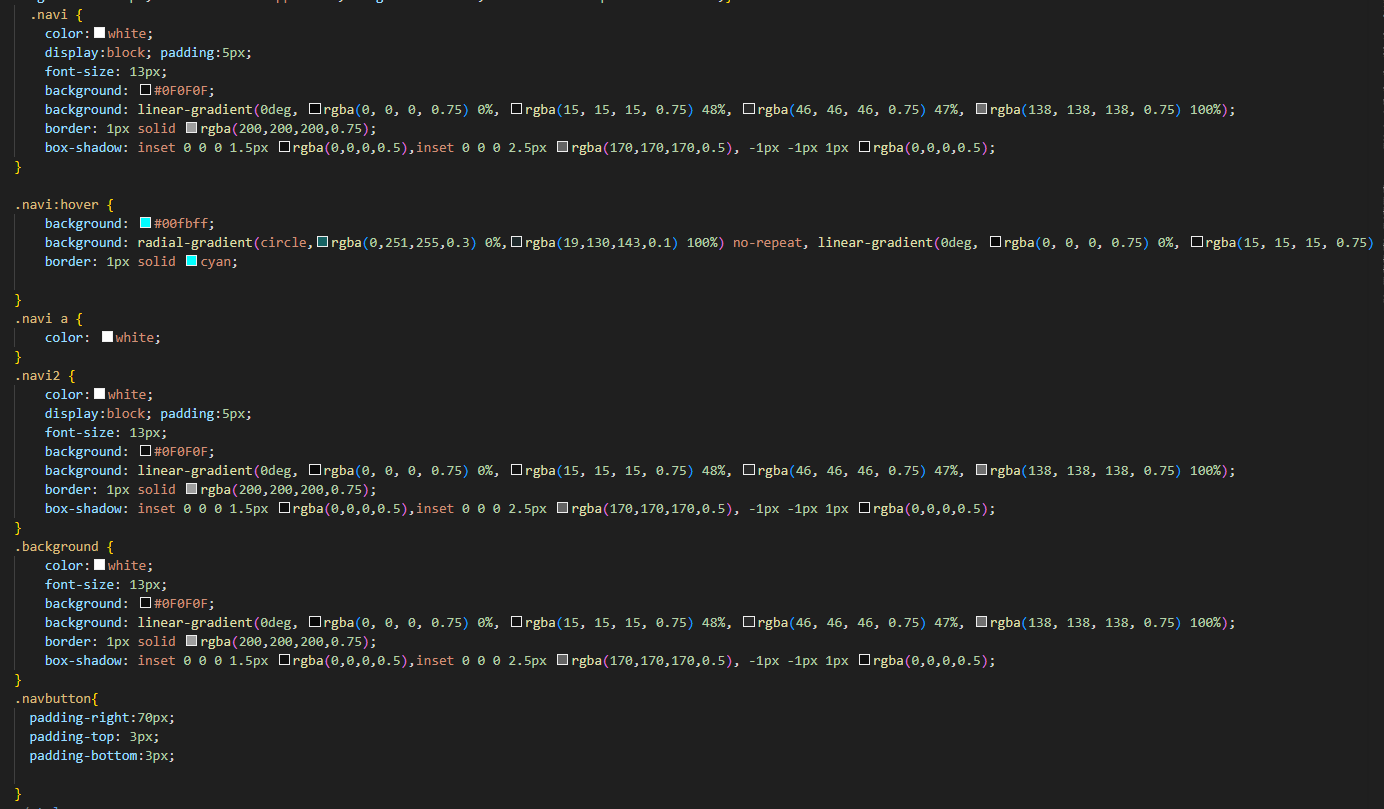

so sorry if this is spaghetti or bad or something, literally my first time doing this on my own LOL 

you could try adding this sort of stuff into .navi

max-width: 100px;  /* adjust the value until its right for you ofc */
text-align: center;

:3

  ▲
▲ ▲

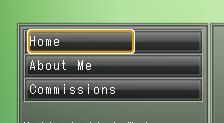
@GOAT  the issue is that the spot outside of the orange box is not clickable, i want the whole button to be yk? that one just sorta moved the text to the right a little lol


@Omnium maybe the parent container??

can ya show me the page itself :o

  ▲
▲ ▲

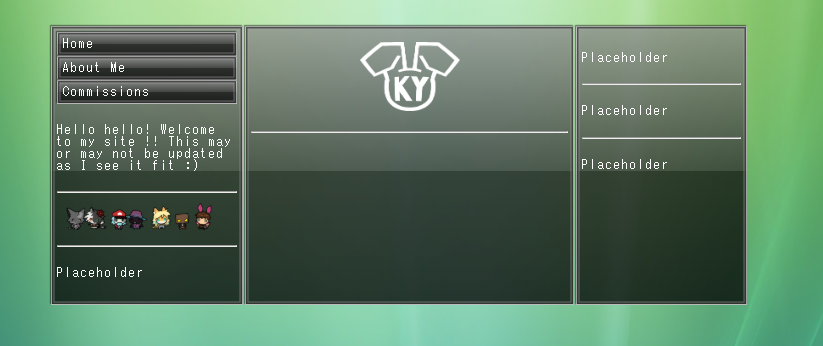
@GOAT this is what ive got since its preview is locally hosted atm nod nod


if you're looking for the full code i can also do that

@Omnium i think i know where things are going wrong here tbh

okay so your navi/navi2 thing yeah

take all the stuff, such as color, font, background etc
remove that, setting the background as transparent

.navi, .navi2 {
background:transparent !important;
border:none !important;
box-shadow: none !important; }

(idea is to use navi/navi2 as an "invisible" element you'll put stuff into)

then give all those previous properties to .navbutton instead
including the max-width and text-align i suggested earlier

lmk how you get on with that :3

  ▲
▲ ▲

You must be logged in to reply.