

“A soft breeze, quiet music, a curtain moving, and a peaceful afternoon” sounds like a mood. It is less useful as a shot instruction. Some of those words describe a picture; others describe a soundtrack you have not made yet.
For a short insert in a collage diary, drawing post, or small personal film, separate the two jobs. First decide what the viewer can see. Then write a sound note for anything you may add later. You can use a free image-to-video generator with no signup required to explore the picture while keeping the sound decision under your control.
This walkthrough uses an invented window scene. The illustrations are planning drawings, not generated clips, and the sound suggestions are ideas rather than recordings of events that happened.
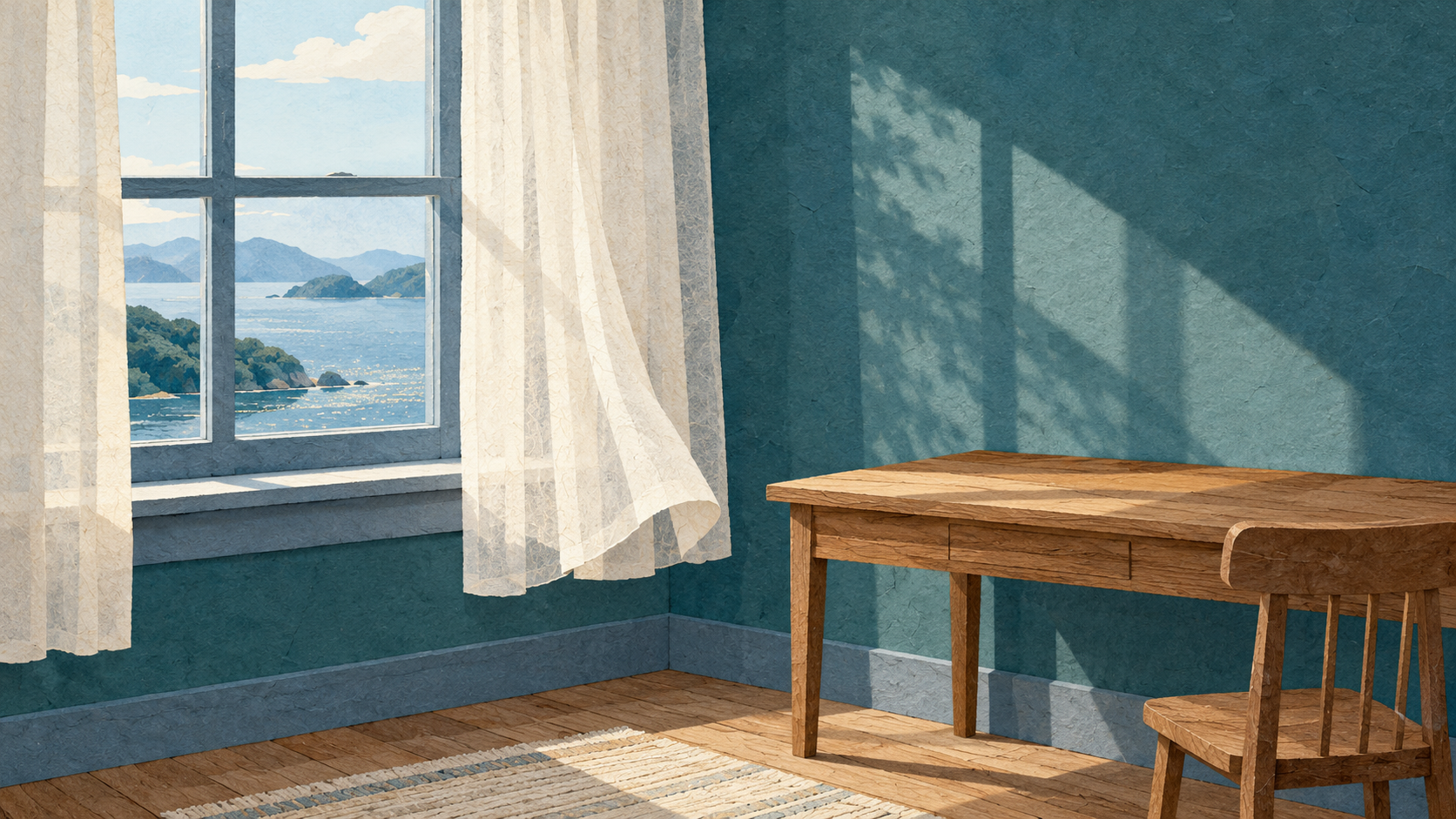 Start with the visible scene. This window study and the following drawings are illustrative plans, not generated clips.
Translate the mood into something visible
Suppose you want a quiet insert between two photographs of a handmade collage. The scene contains a pale curtain, a teal wall, and a small empty desk below a window. Nothing needs to announce a plot twist. The shot just gives the viewer a moment to look.
Write one visible action: “The lower corner of the curtain lifts slightly into the room, then settles.”
That gives the draft a subject, a direction, and an ending. “Peaceful” can stay in your project notes, but it does not tell you whether the curtain moved the way you wanted. “Wind rustles the cloth” also bundles an audible event into a visual instruction. For the picture, describe the cloth movement directly.
Keep the scene small. A sweeping camera move, a changing sky, dancing shadows, and a moving curtain give you several things to diagnose at once. A locked view with one moving corner makes it easier to notice whether the curtain keeps its shape.
Prepare references that belong to one room
Use your own photographs or artwork that you have permission to adapt. For the opening reference, show the curtain nearly still. For the closing reference, show only a modest lift at the lower corner. Keep the window geometry, curtain length, desk, light direction, and camera view consistent.
Do not use a closed window in one image and a dramatically different room in the next unless that change is actually your subject. The more the references disagree, the harder it becomes to tell whether a strange transition came from the prompt or the pictures.
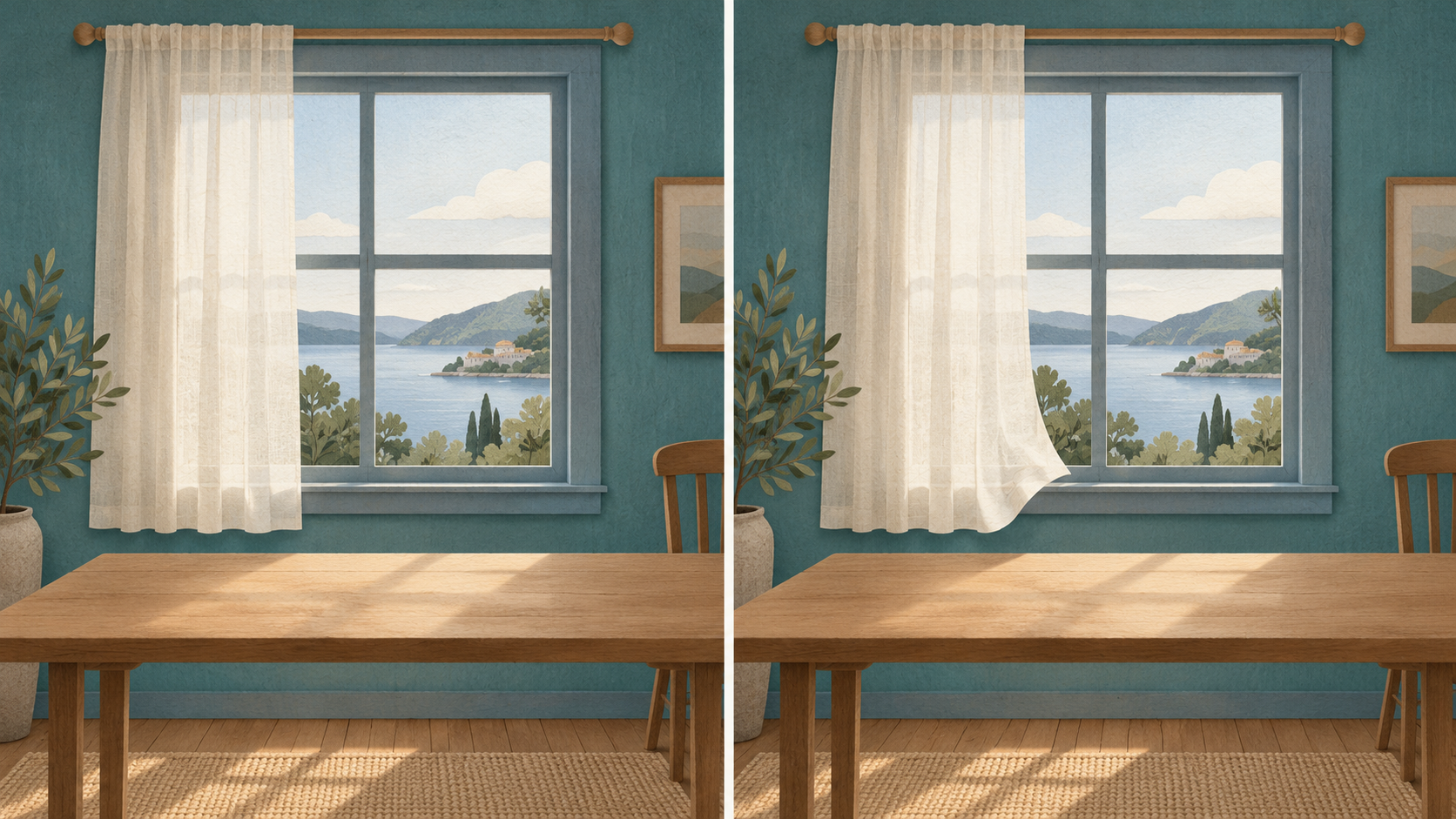 A small endpoint change gives the visual prompt one job: a slight movement of the curtain while the room stays stable.
A proposed visual-only prompt could read:
Locked view of the same quiet window and desk. The lower corner of the pale curtain lifts a little inward and settles gently. Keep the window frame, curtain length, desk, and light direction unchanged. No camera movement, added people, or new objects.
This describes an intended action. It does not guarantee a particular result, and a generated draft may not follow every reference detail.
At this step, Sea Imagine AI can serve as a place to try the visual concept. Its current free form requires no signup, accepts optional first and last composition references, and lists five-second 480p clips in 16:9, 9:16, or 1:1. Complete verification and allow for queue waiting. The form's motion workflow is enough for this exercise; do not assume it guarantees native audio, dialogue, or music.
Disclosure: This article was prepared for Sea Imagine AI with AI assistance.
Write a sound note somewhere else
Put the audio ideas in a separate document or section of your project notes. This keeps them available without confusing them with the motion request.
| Picture decision | Separate sound decision |
|---|---|
| Curtain lifts slightly | Perhaps use a very soft cloth movement sound, or leave it silent. |
| Window and desk stay still | A little room tone could bridge the surrounding shots. |
| No visible storm or forceful movement | Avoid a strong gust that suggests weather the scene does not show. |
| Insert sits between collage photographs | Decide whether the existing music should continue across it. |
You do not need all of these sounds. A silent insert may work well if the surrounding sequence already has a consistent soundtrack. If you choose music or effects, use recordings you made or material whose terms allow your intended use. Keep a note of the source and any required credit.
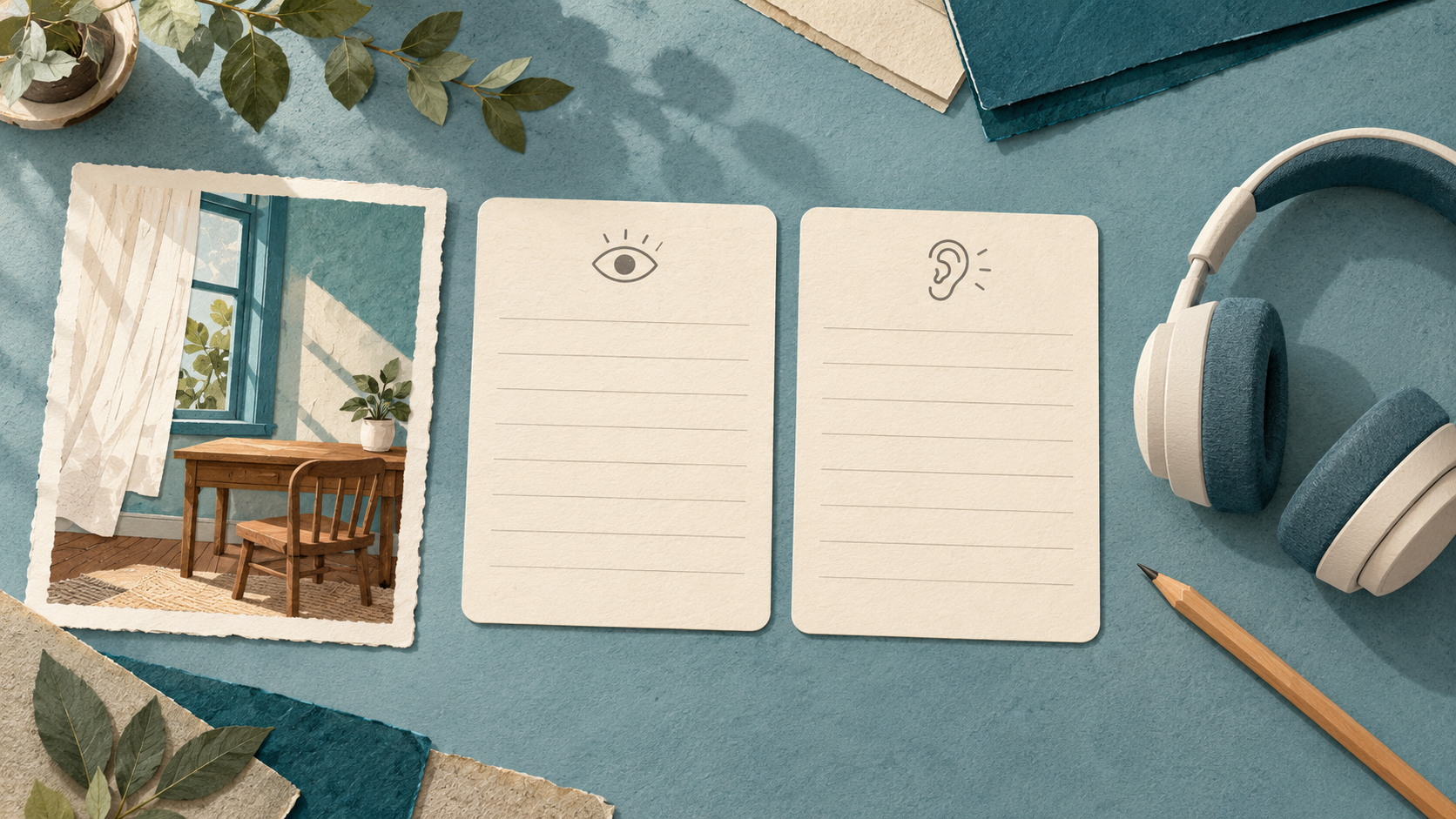 Keep the visual brief and the sound plan separate. Add only sounds you choose and have permission to use.
Check the picture first, then listen
When a draft is available, inspect it with playback muted. Does the curtain move without turning into another object? Does the window stay the same shape? Does the motion settle before the cut? Are the desk and lighting stable enough for the scene to feel like one place?
If the cloth flaps dramatically, first reduce the movement requested or bring the two reference positions closer together. If the room itself changes, simplify the references and remove extra actions. Fix the visible problem before trying to hide it with music.
After downloading, check whether the actual file contains an audio track rather than assuming either silence or sound. In your video editor, choose deliberately which tracks to keep or mute. Add your selected sound separately, then listen at a comfortable, ordinary volume.
Ask what the soundtrack makes you believe. A loud gust may turn a quiet curtain into a storm scene. A door slam introduces an event the picture never establishes. Those could be intentional storytelling choices, but they should not slip in merely because an effect sounded dramatic.
For a factual craft demonstration, avoid sounds that imply a real action was recorded when it was only illustrated. For an imaginative collage, keep the invented nature of the scene clear in the surrounding post.
Keep the two decisions easy to revisit
Save the reference pictures, exact visual prompt, returned clip, and sound note together. Keep the original clip separate from the version with added audio. If the insert feels too busy later, you can revise the soundtrack without losing the picture you selected.
A good five-second insert needs very little to happen. One readable movement, followed by a deliberate choice about sound, can give a small creative project the pause it needs.