
Home» Forum» Web & Tech» Lets see them setups!

Lets see them setups!

Back to Web & Tech

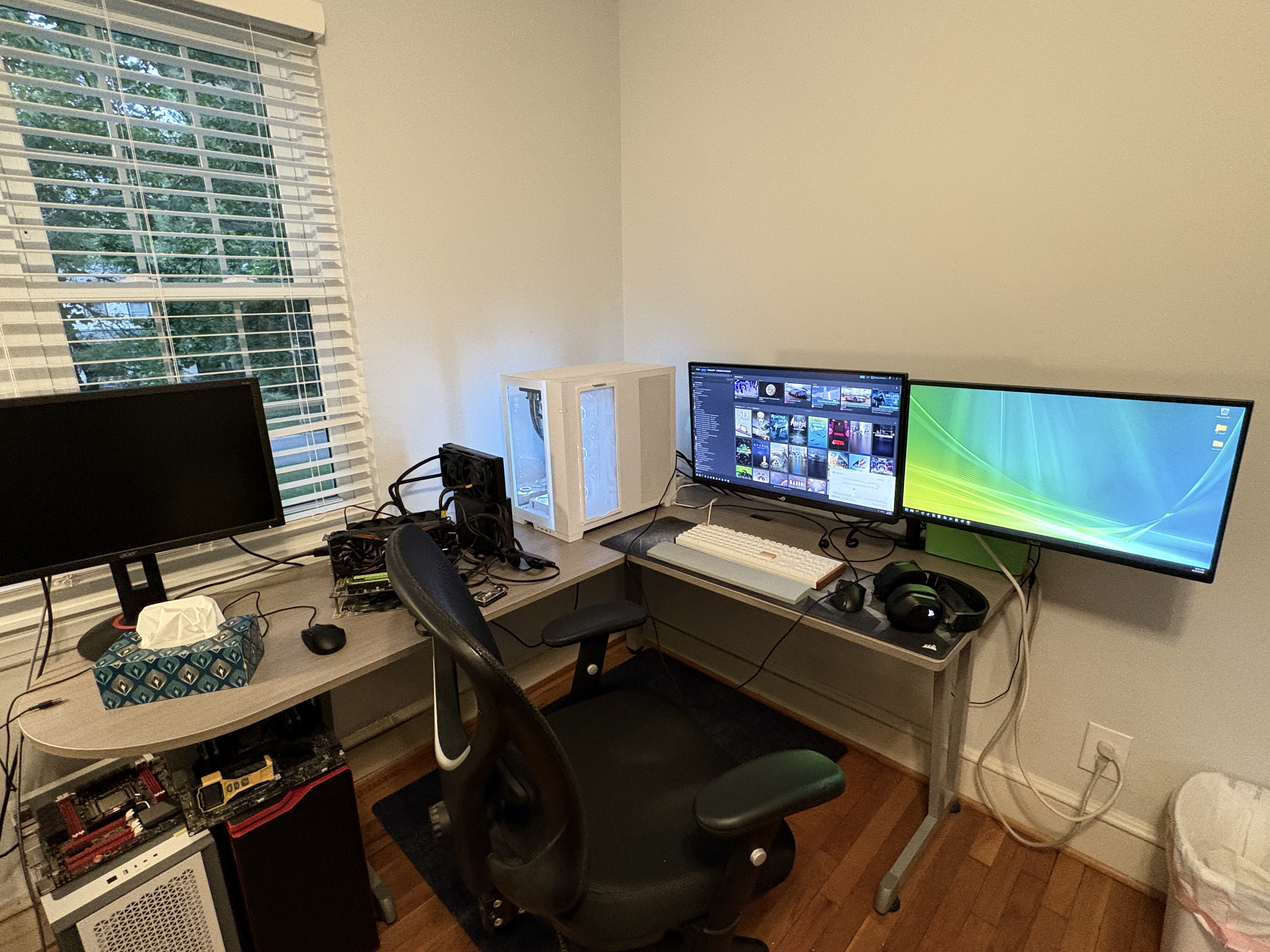
Here's my L desk, yes I know the walls are barren, no im not going to fix it. 

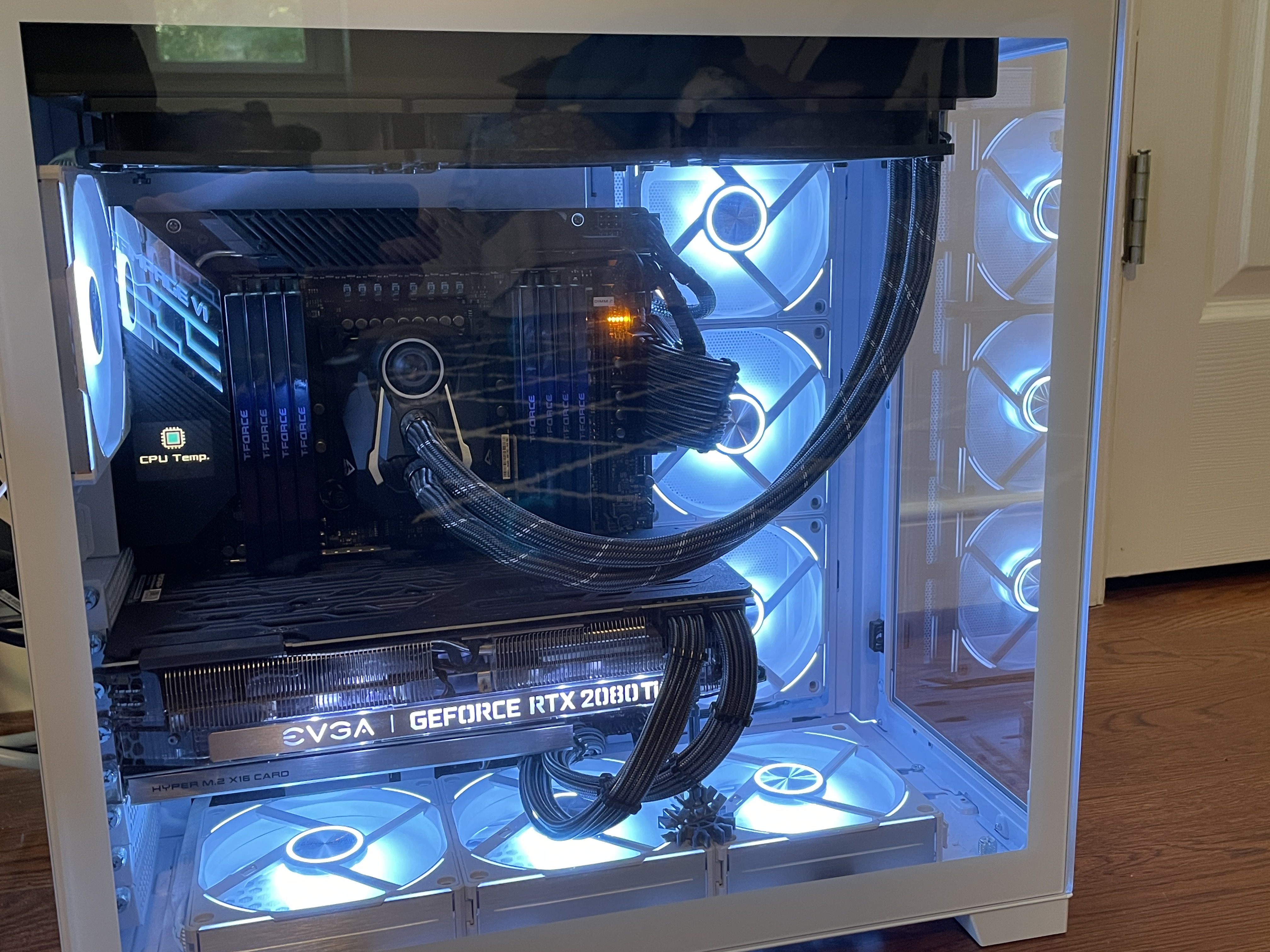
Heres my rig (I took this pic in an old house but its exactly the same, and I dont want to move it)

Specs are as follows: 
CPU: i9-10980XE OC to 4.7 ghz all core (1.2v vcore, level 5 load line, 140% VRM current handling capability)
GPU: EVGA RTX 2080 TI FTW3 ultra (+100 core/+1000 mem oc, 90% power limit)
RAM: 128 GB DDR4 (8 x 16, 1.4V VDDR, 1.1v system agent, CL 17-20-20-37 1T 700 tRFC, 550 khz DDR VRM switching frequency, 140% VRM current handling capability) @ 3600 T-Force Xtreem ARGB
Motherboard: Asus x299 Rampage VI Extreme Encore
PSU: Bequiet dark power pro 11 850W
Case: Lianli O11 Dynamic Evo White
PCIE devices: intel BE200 wifi 7 pcie card (onboard motherboard wifi card disabled), Asus hyper m.2 pcie card V2
Storage: Samsung 970 evo plus 500 gb + Adata SX8200 pro 2 tb + Kingston fury renegade 2 tb + Crucial P1 1 TB + ADATA Industrial IM2P41B8 2TB
Cooling: Arctic freezer ii 360 (fan swap to 3x Arctic P12 pros).
Fans: 7X Lian li AL120 V2 white
Monitors: Asus PG247AQN 1440p 360 HZ + Asus Tuf VG259QM 1080p 280 hz
Mouse: Logitech G-502 hero
Keyboard: Keychron K10 HE
Headset: Corsair Void Pro RGB

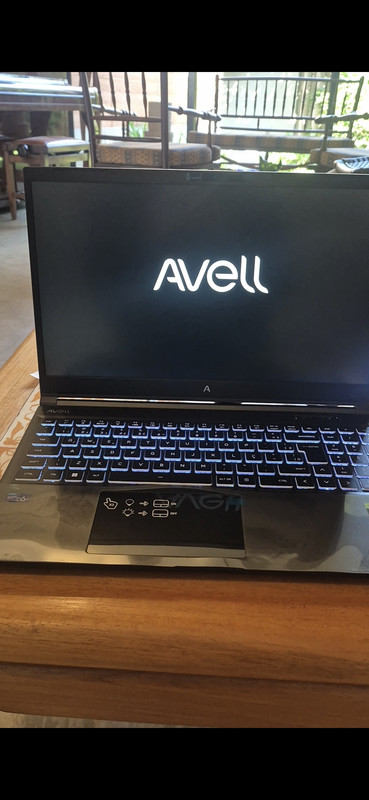
*slaps my shitty laptop* good 'ole brick right here

@(m)tropy


built like a brick house

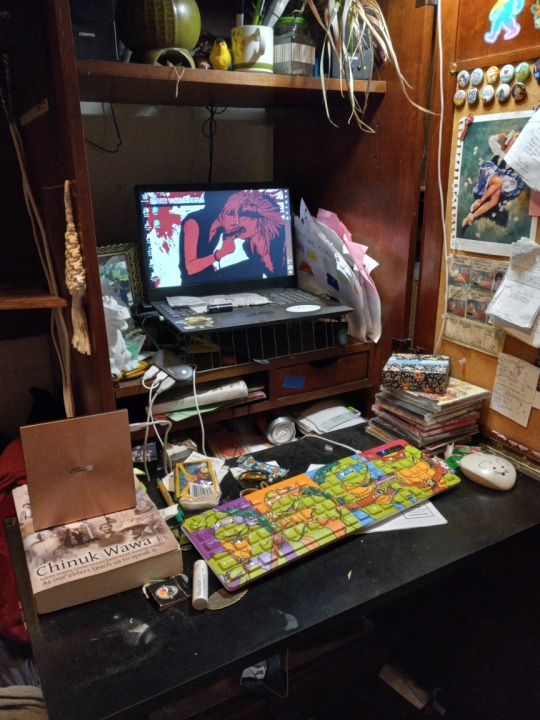
Behold my entire set up 

@Lalaa_x3


believe it or not, your laptop is more powerful than my personal laptop, computing on the go is kind of underrated

@Pancreas Harvester its a good laptop but its my only one so i use it for school, gaming, editing, everything lol

@Lalaa_x3


If it works, it works! I was gonna get another laptop but prices skyrocketed, so I am no longer getting another laptop. 

The monitor is so far off your desk, bestie

@Rose✨

monitor arms are truly magic

Pancreas Harvester wrote:
Here's my L desk, yes I know the walls are barren, no im not going to fix it. Heres my rig (I took this pic in an old house but its exactly the same, and I dont want to move it)Specs are as follows: CPU: i9-10980XE OC to 4.7 ghz all core (1.2v vcore, level 5 load line, 140% VRM current handling capability)GPU: EVGA RTX 2080 TI FTW3 ultra (+100 core/+1000 mem oc, 90% power limit)RAM: 128 GB DDR4 (8 x 16, 1.4V VDDR, 1.1v system agent, CL 17-20-20-37 1T 700 tRFC, 550 khz DDR VRM switching frequency, 140% VRM current handling capability) @ 3600 T-Force Xtreem ARGBMotherboard: Asus x299 Rampage VI Extreme EncorePSU: Bequiet dark power pro 11 850WCase: Lianli O11 Dynamic Evo WhitePCIE devices: intel BE200 wifi 7 pcie card (onboard motherboard wifi card disabled), Asus hyper m.2 pcie card V2Storage: Samsung 970 evo plus 500 gb + Adata SX8200 pro 2 tb + Kingston fury renegade 2 tb + Crucial P1 1 TB + ADATA Industrial IM2P41B8 2TBCooling: Arctic freezer ii 360 (fan swap to 3x Arctic P12 pros).Fans: 7X Lian li AL120 V2 whiteMonitors: Asus PG247AQN 1440p 360 HZ + Asus Tuf VG259QM 1080p 280 hzMouse: Logitech G-502 heroKeyboard: Keychron K10 HEHeadset: Corsair Void Pro RGB

Friend, how are you able to use two monitors? I always wondered how to do that for the times I wanted to watch movies on my PC and just connect another HDMI!

@𝐒𝐩𝐞𝐧𝐜𝐞𝐫


connecting another HDMI really all you need to do, most stuff nowadays is plug n play, if you have the hdmi/displayport/dvi ports, you can hook em up and your computer will autodetect, and set in windows at least to extend these displays, not duplicate.  

Hey we have the same wallpaper! Mine's on a Dell laptop I bought in 2018 though

@Lori


I love the vista wallpaper, my computer at the time of that vista wallpaper, an Imac from 2005 had similar type of backgrounds in mac OSX 10 something. Brings back fun memories. 

You must be logged in to reply.