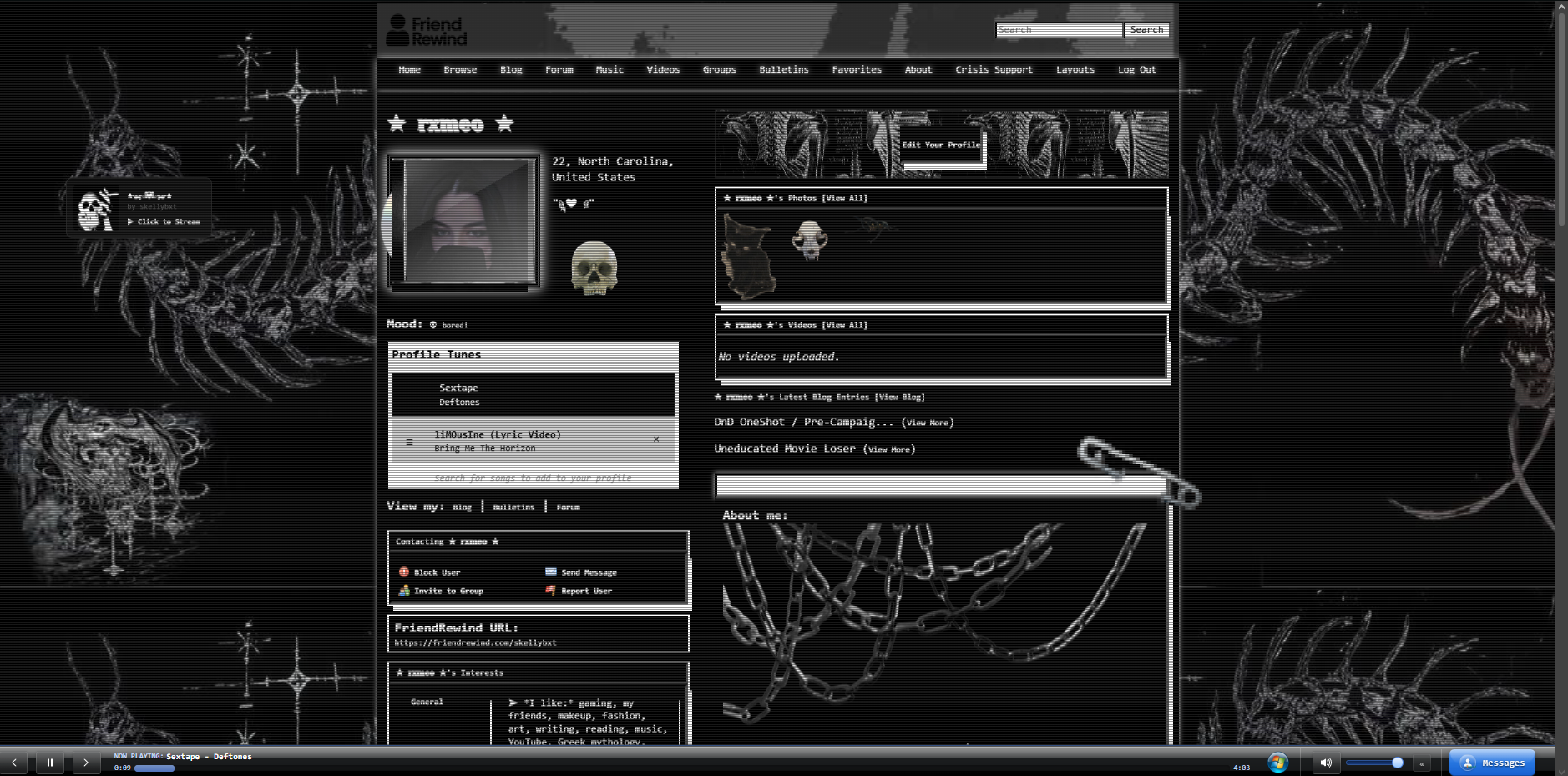
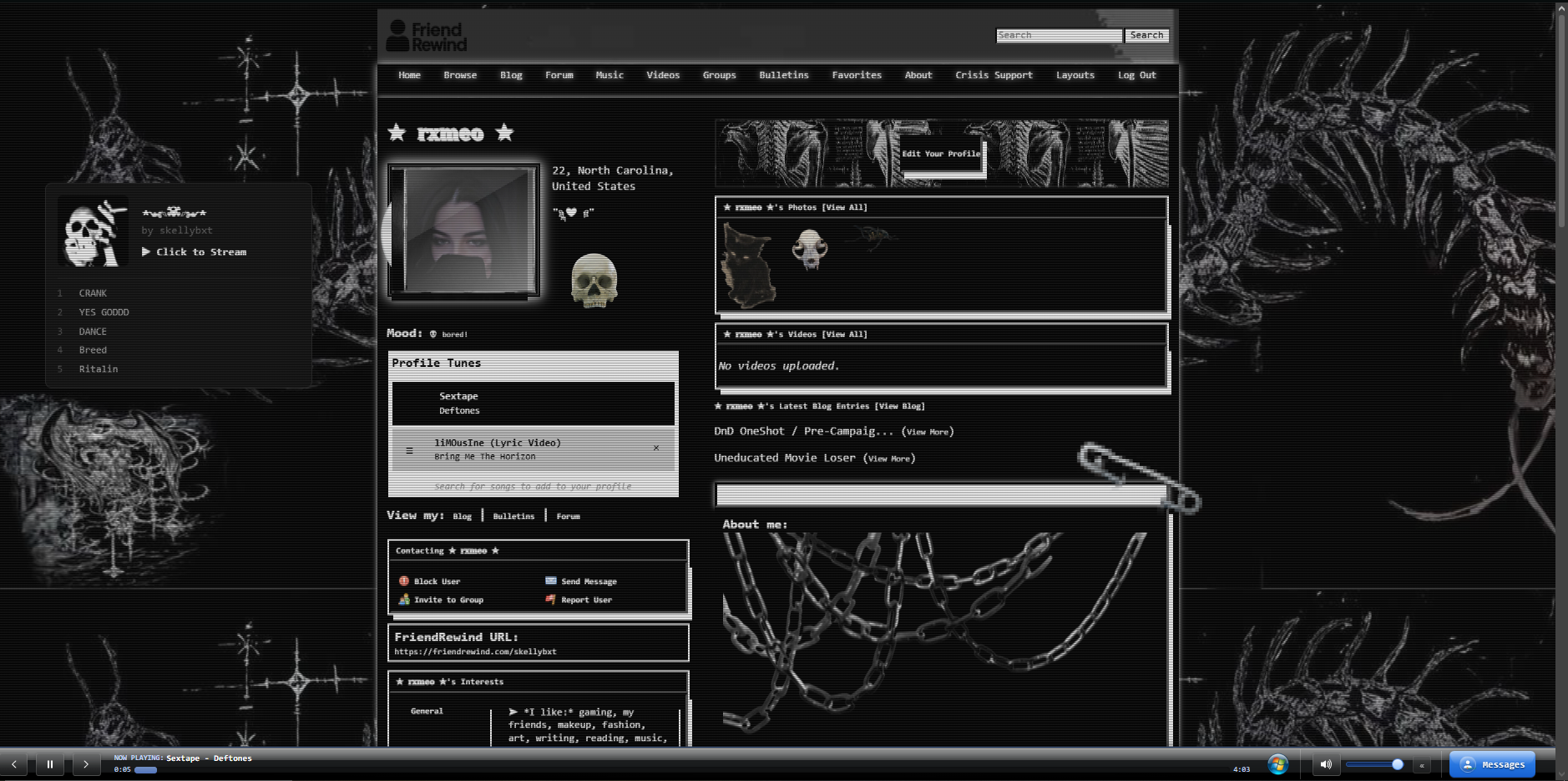
Discover small copy-paste bits for your profile - music player skins, cursors, scrollbars, name effects, and more. Mix as many as you like; paste each into the Advanced CSS tab of your layout editor.
profile deco for those who... do profile deco
I have these on my own profile on Spacehey, which is linked on my website
I have made all of the gifs that are LISTED here
there are more linked than are shown in the image
i'll probably make more in the future
I also have these posted on ...
it's hard to show it moving but trust me bro
this is also very editable, esp the borders since it's so simple here. for changing the borders there are codes on how to do it on w3 schools. adding images to borders are on there as well with these links:
https://www.w3schools.com/css/css3_border_...
This code puts a customizable clickable GIF/PNG in the bottom right corner of your page. You can resize, move it, and change its link! Paste this at the bottom (or top) of your CSS page.
A smaller version of my floating Spotify playlist, without the songs. Can be pasted into either the top or bottom of your CSS. If it doesn't work in one spot, try moving it to another! Hope you like it!
Let me know if you want more :))
A floating customizable Spotify playlist. Can be posted at the top or bottom of your CSS page. If it does work in one spot, delete it and try another! Hope you like it <3 Also making a smaller one without songs. Let me know if you want more of these!
creates and animated stamp carousel, can also be used for any other images you want, just change the image size in the code
paste this code into your bio or wherever you want your images to show up :3
as always, replace IMAGE ADDRESS with the address of your desired image
a cute little vinyl gallery to show off the covers and titles of your fave music
i recommend using rateyourmusic.com to find album covers
fill in IMAGE ADRESS with the image address of your album cover and BAND NAME - ALBUM NAME with the band name and song name (shocking i know lolz)
...

 Newest Elements
 Most Used
 Back to Top